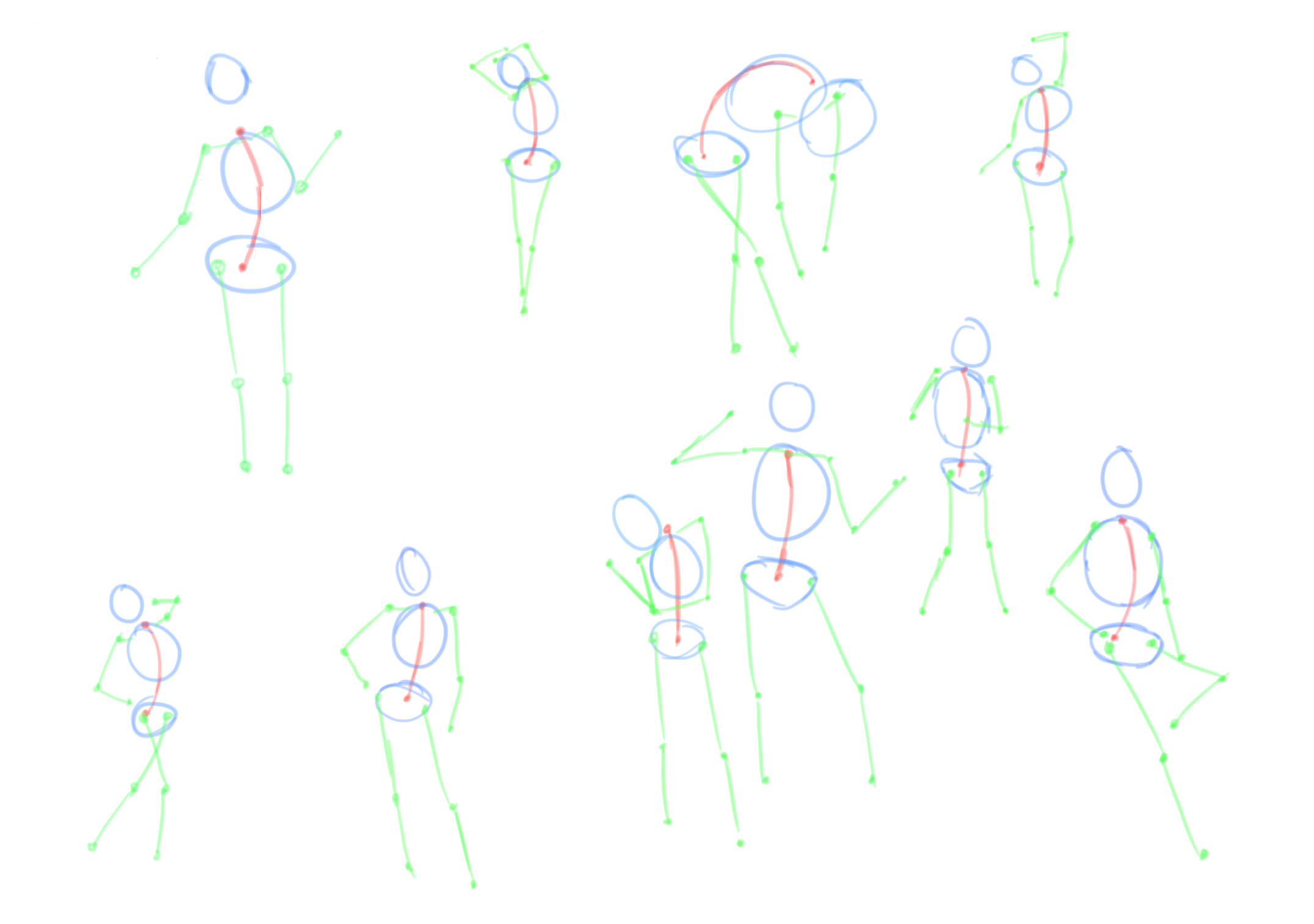
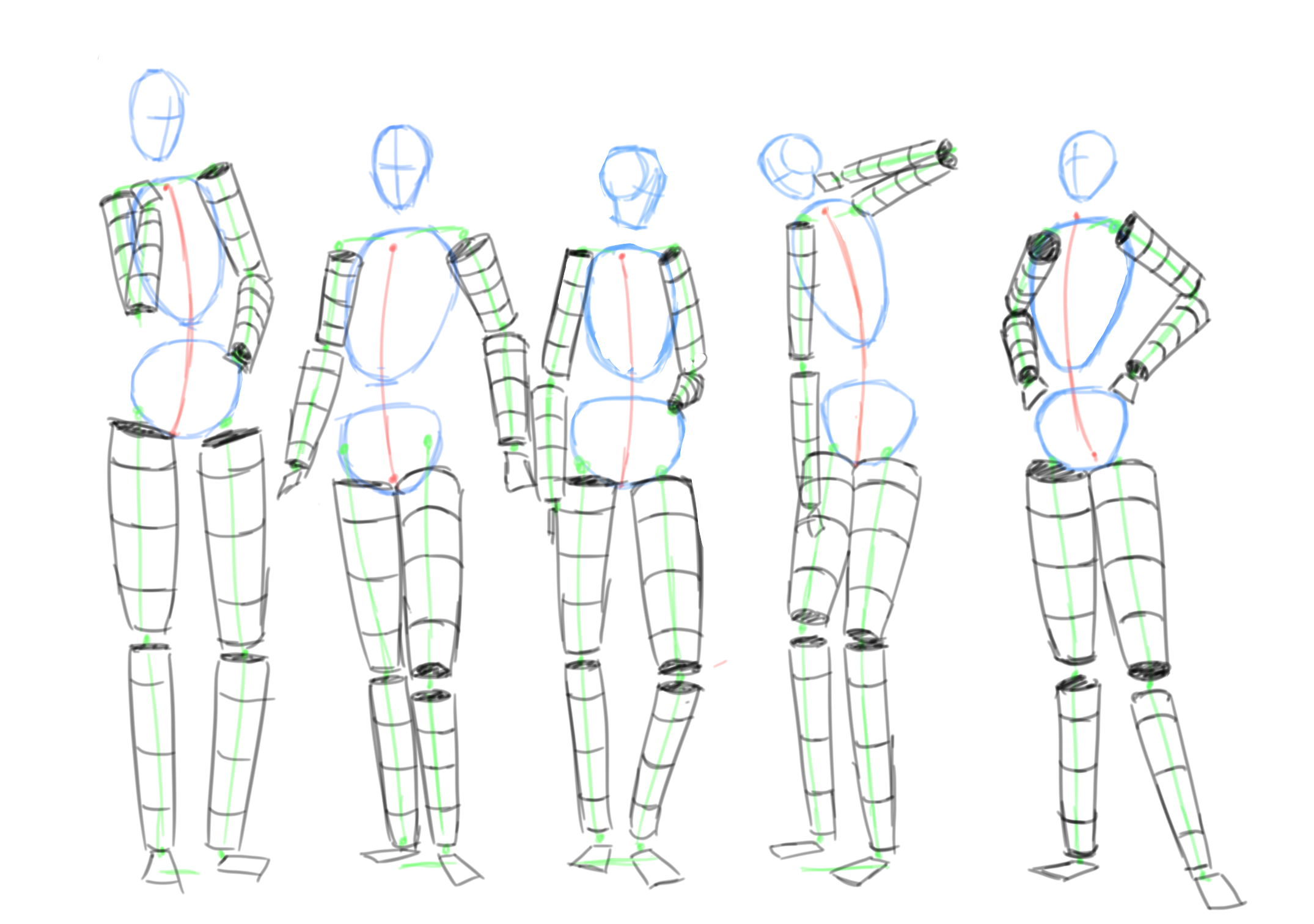
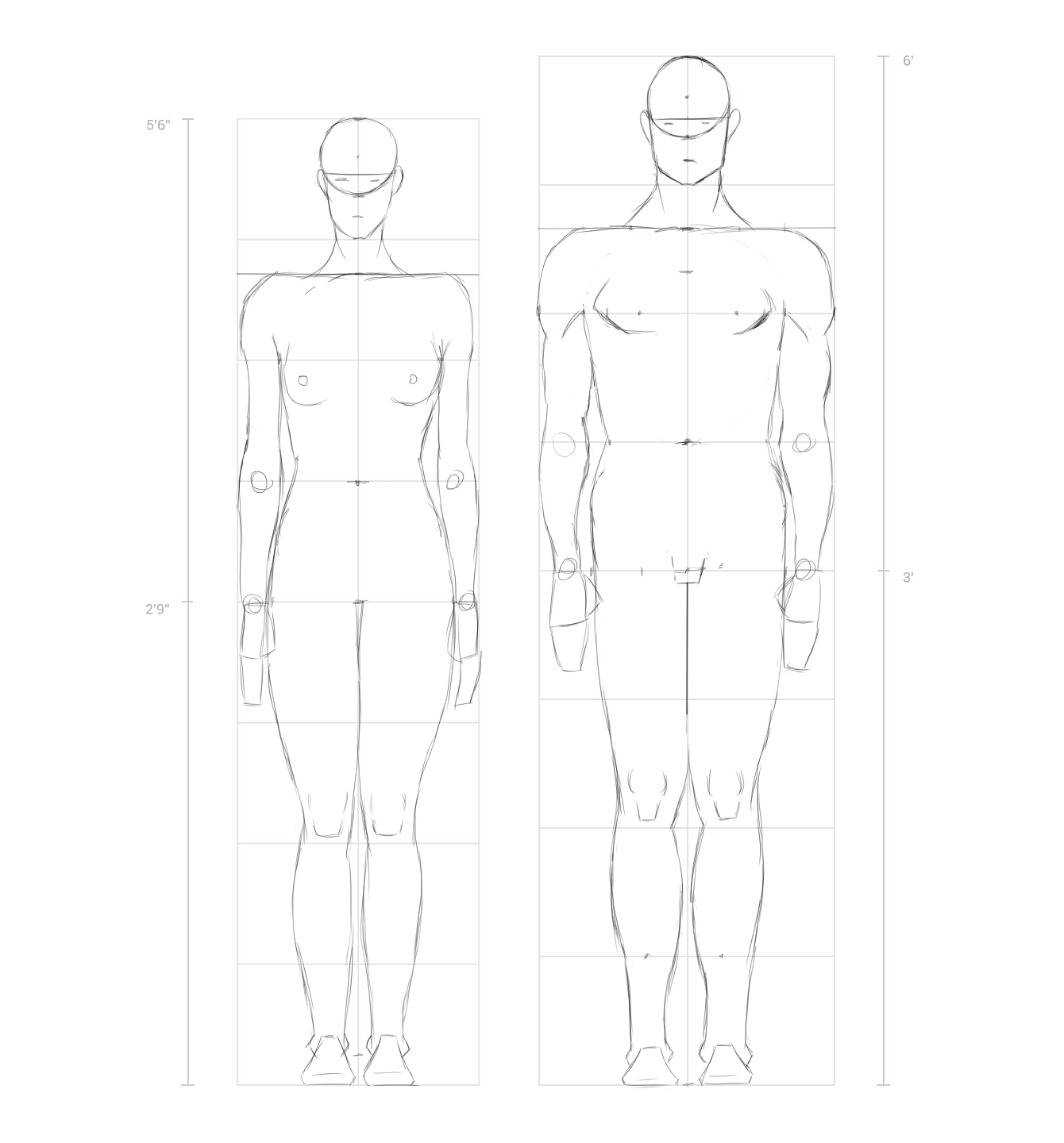
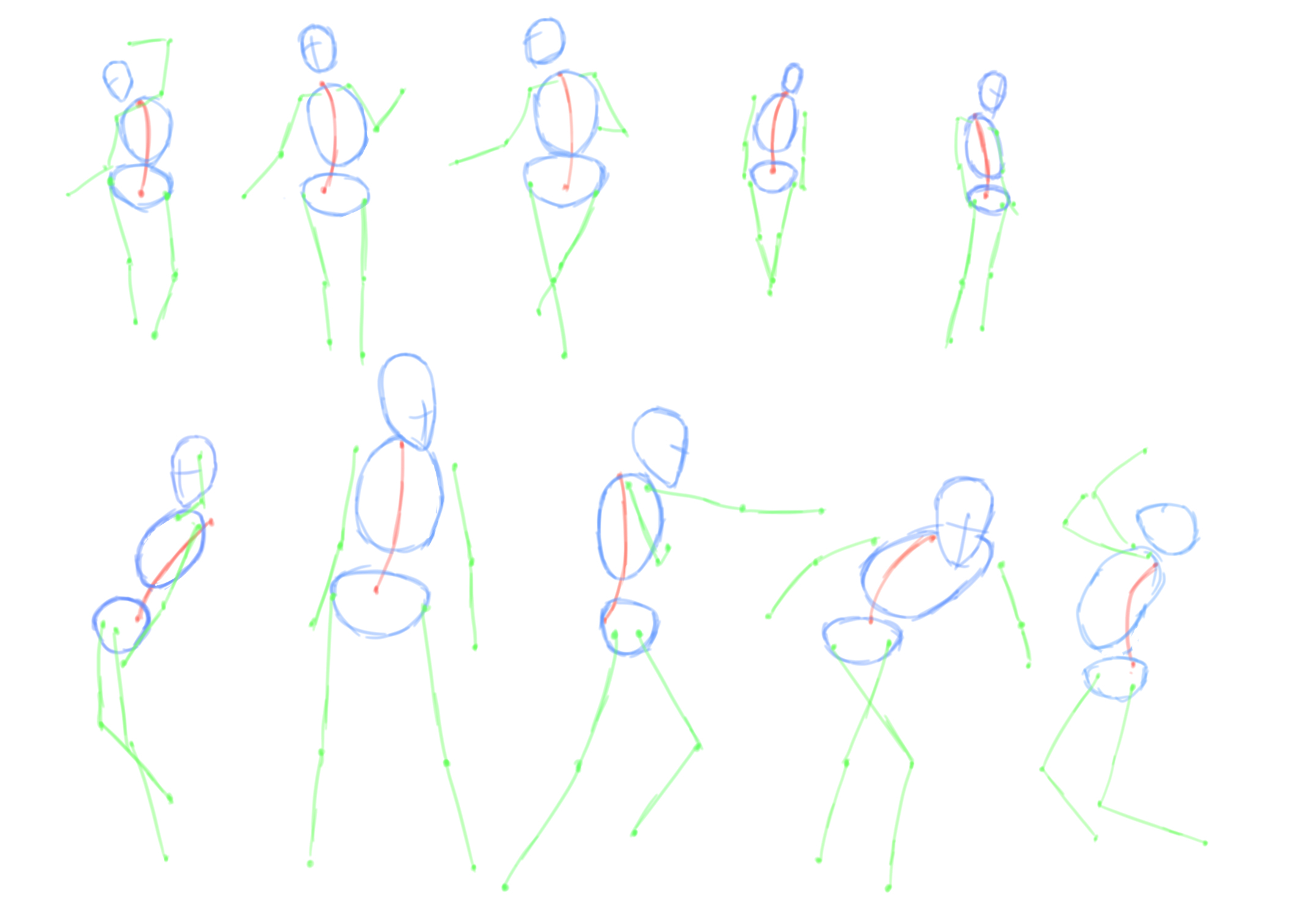
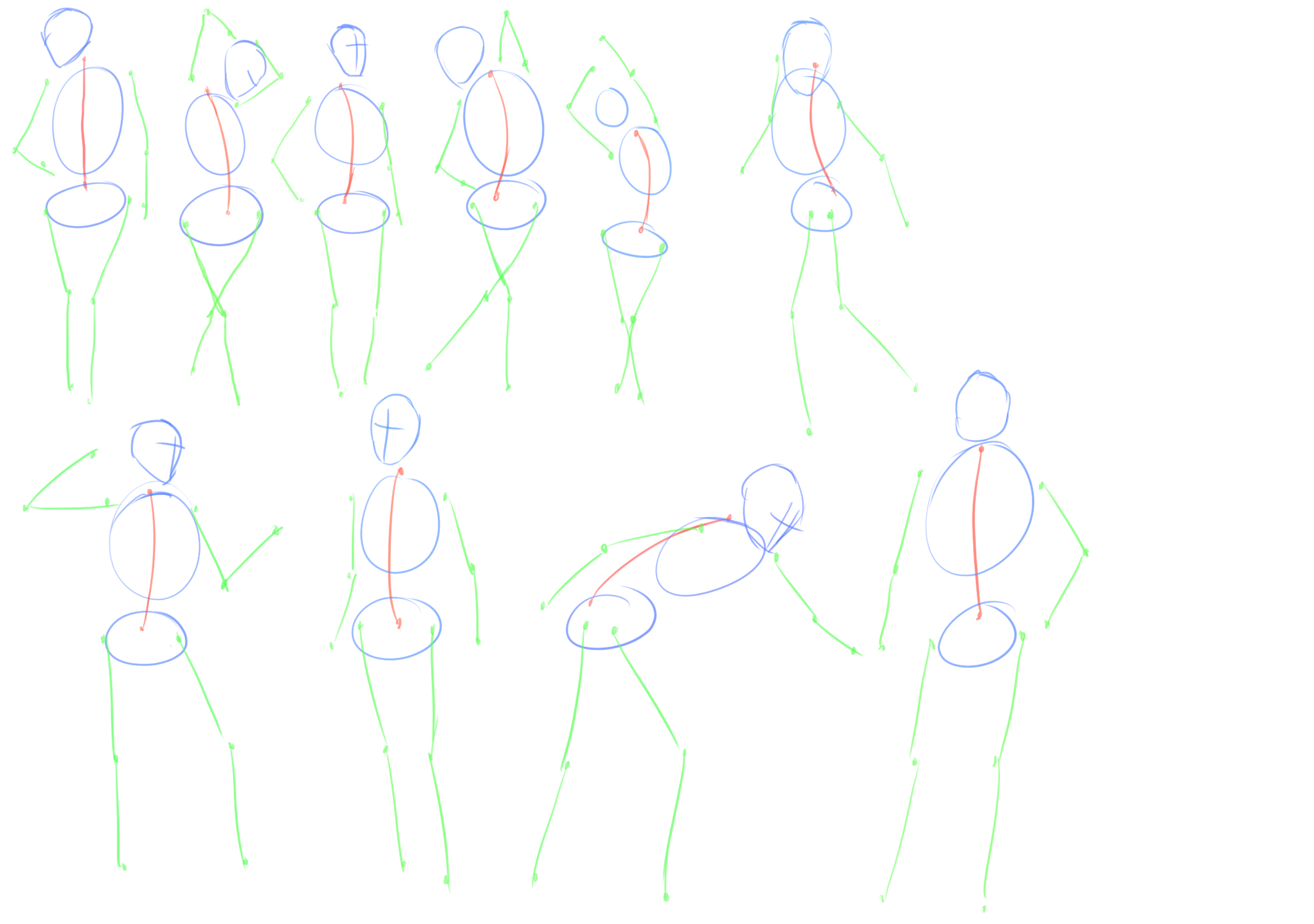
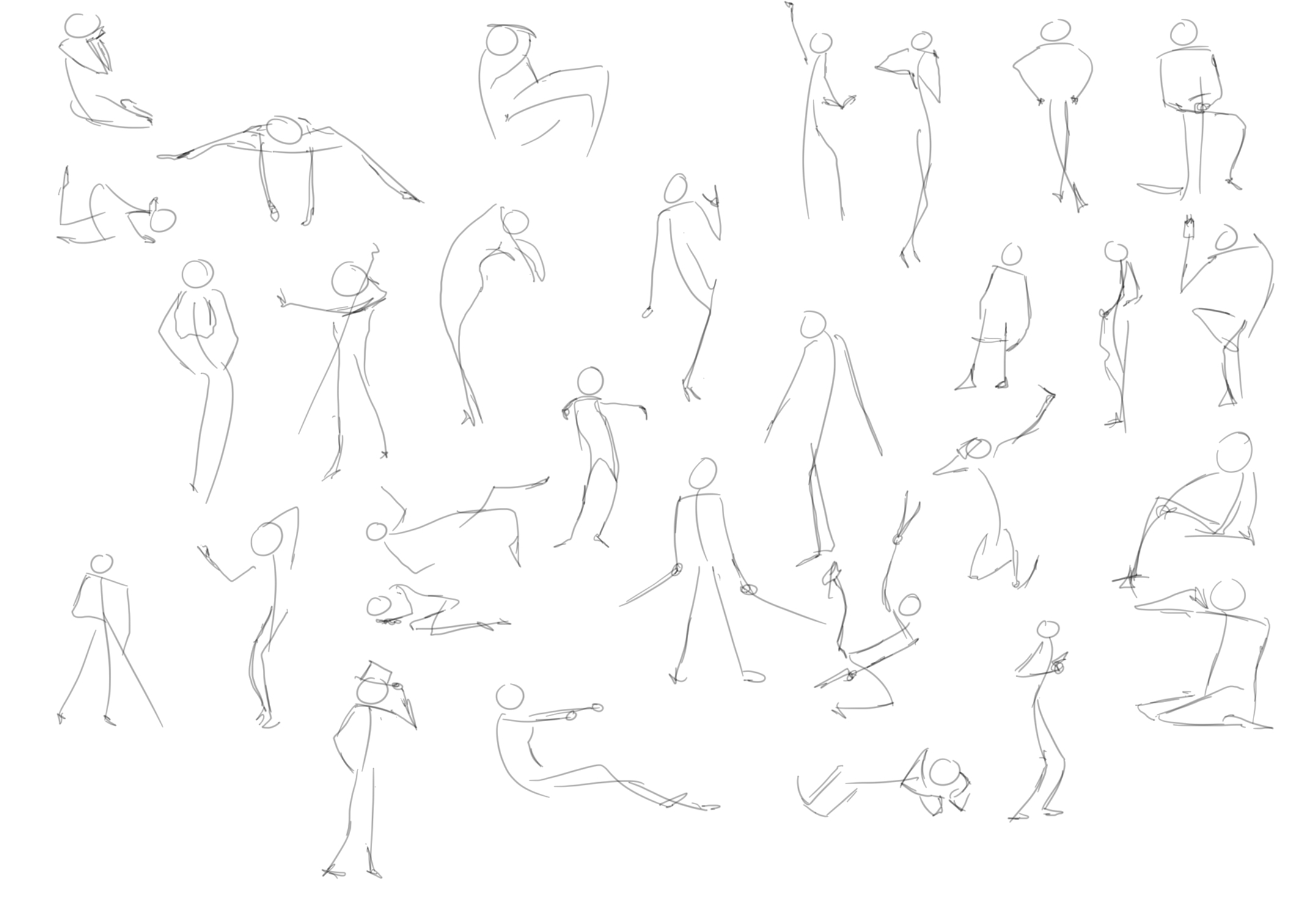
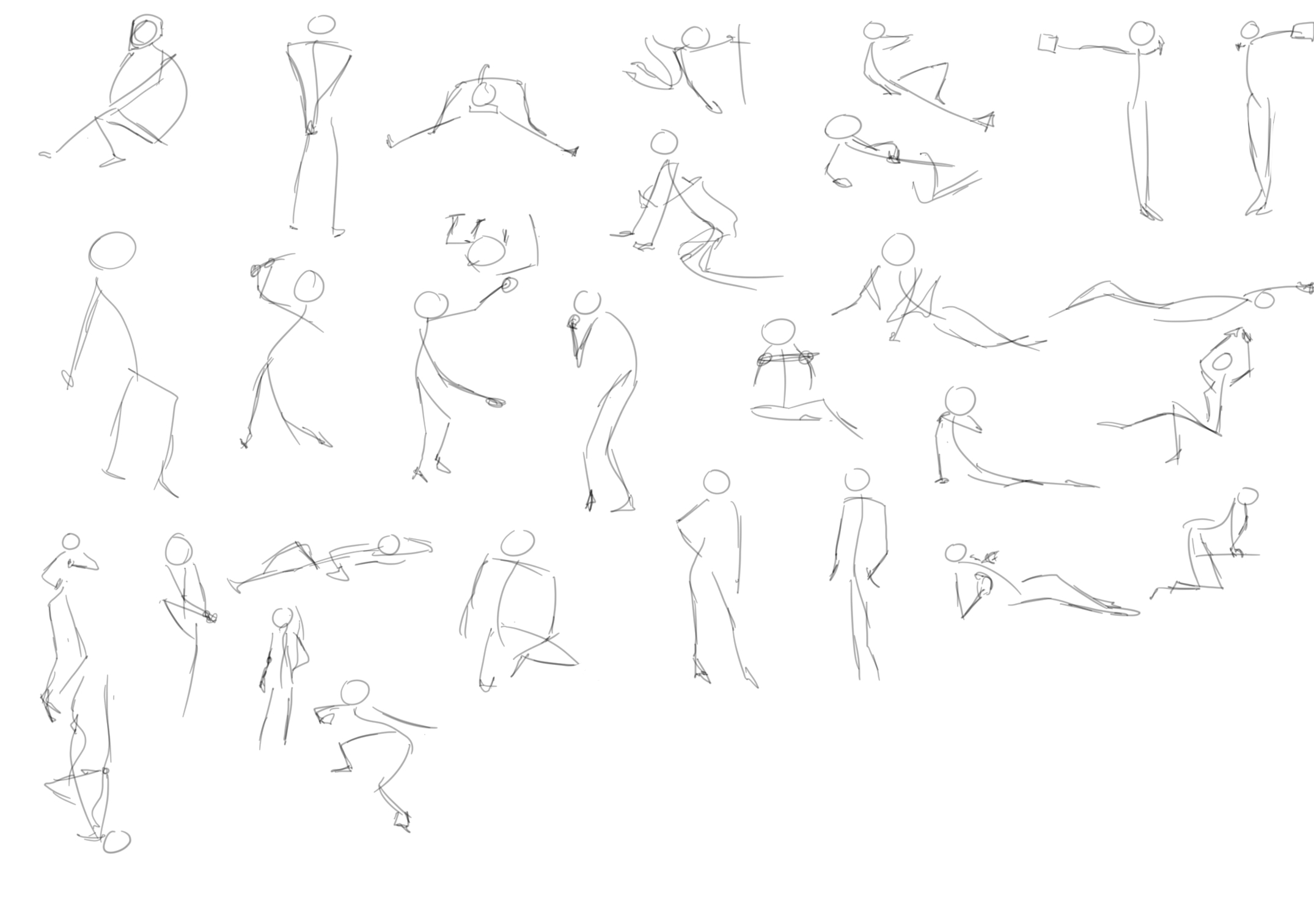
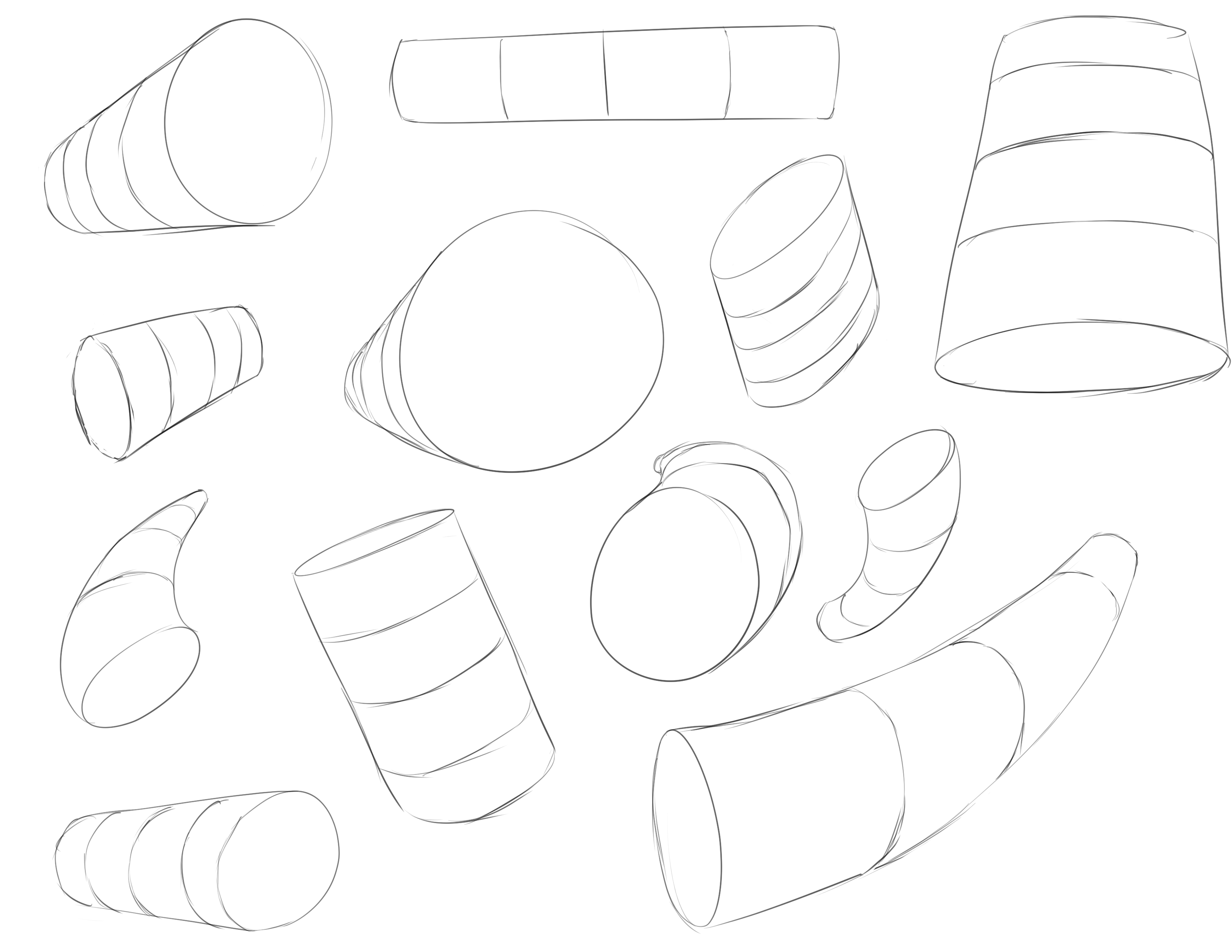
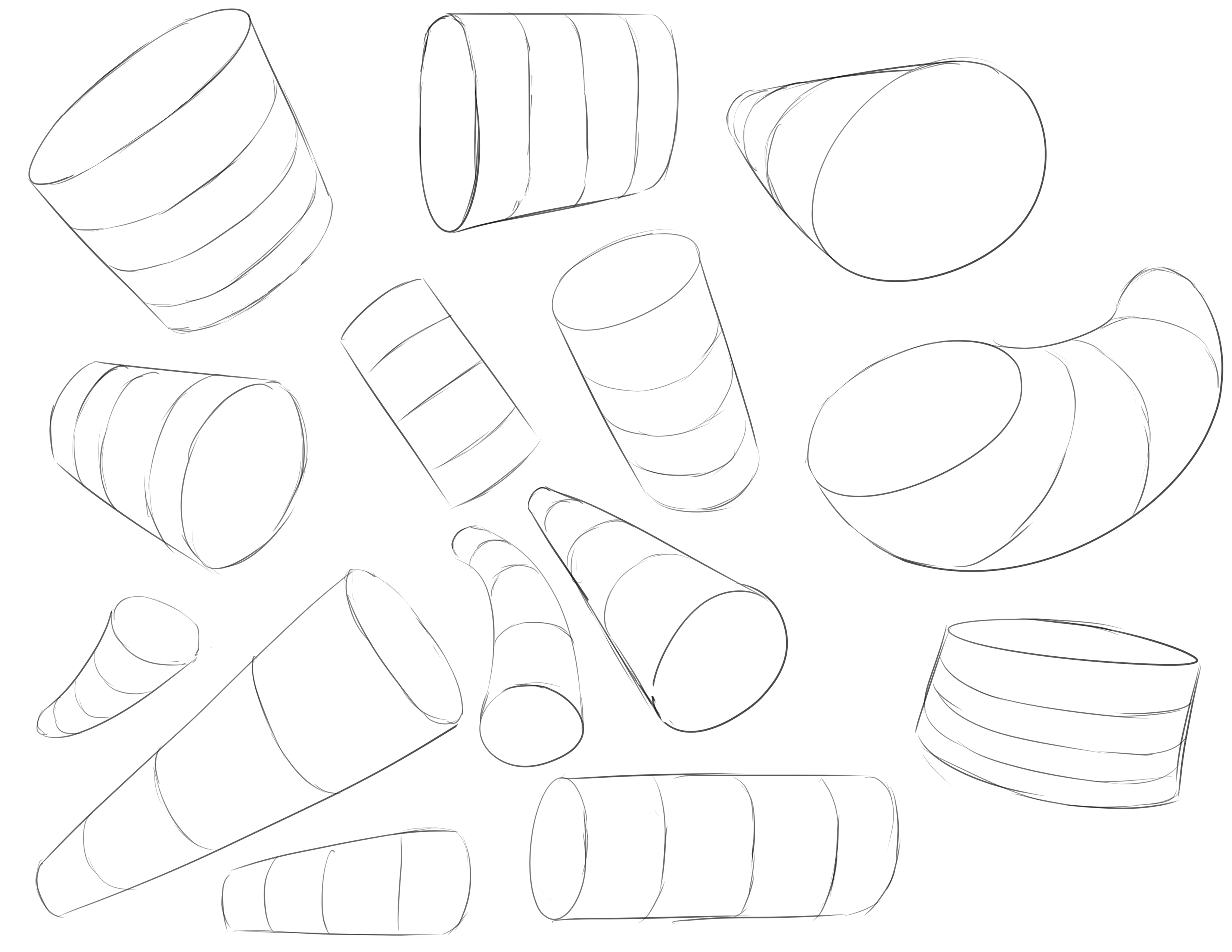
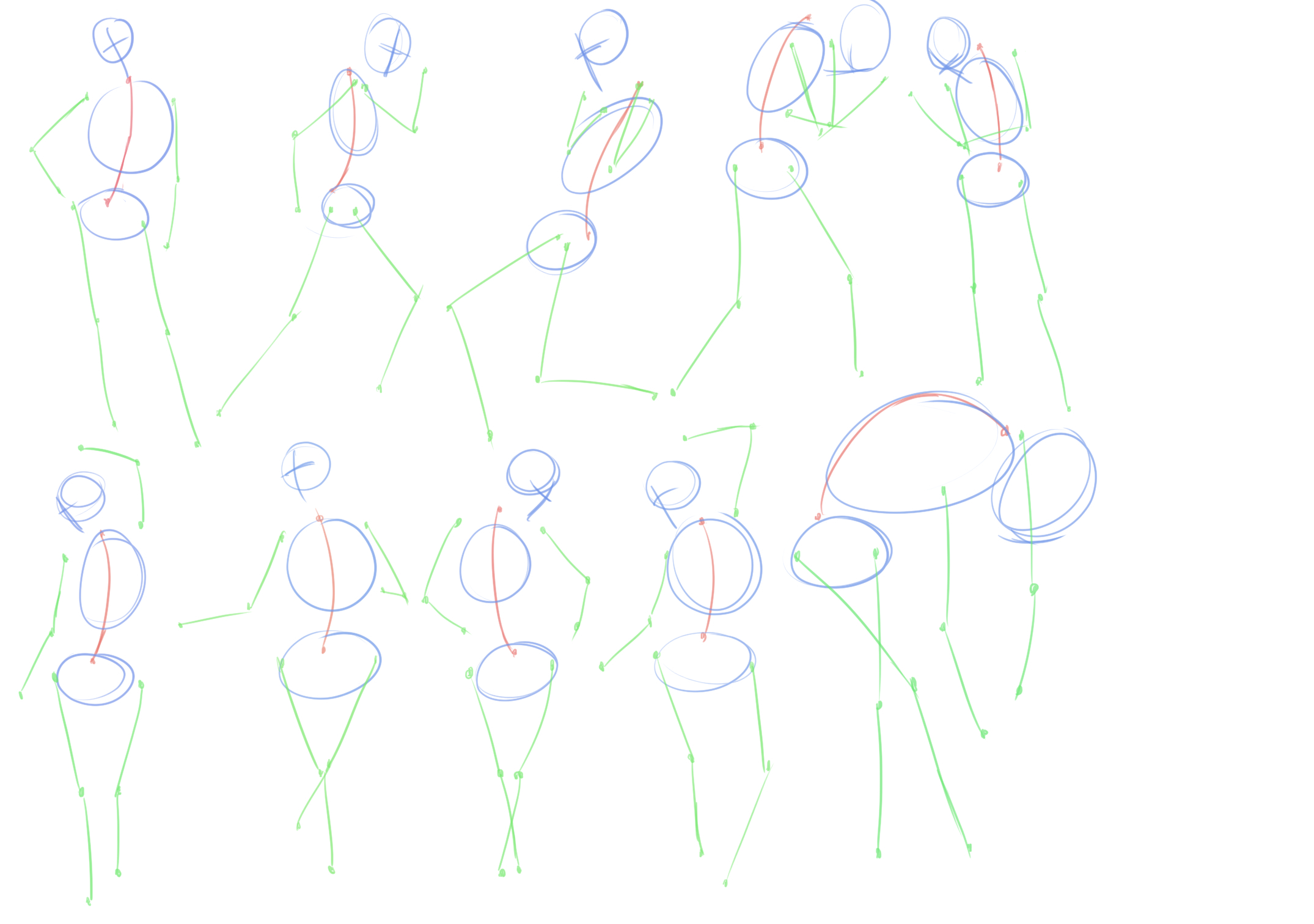
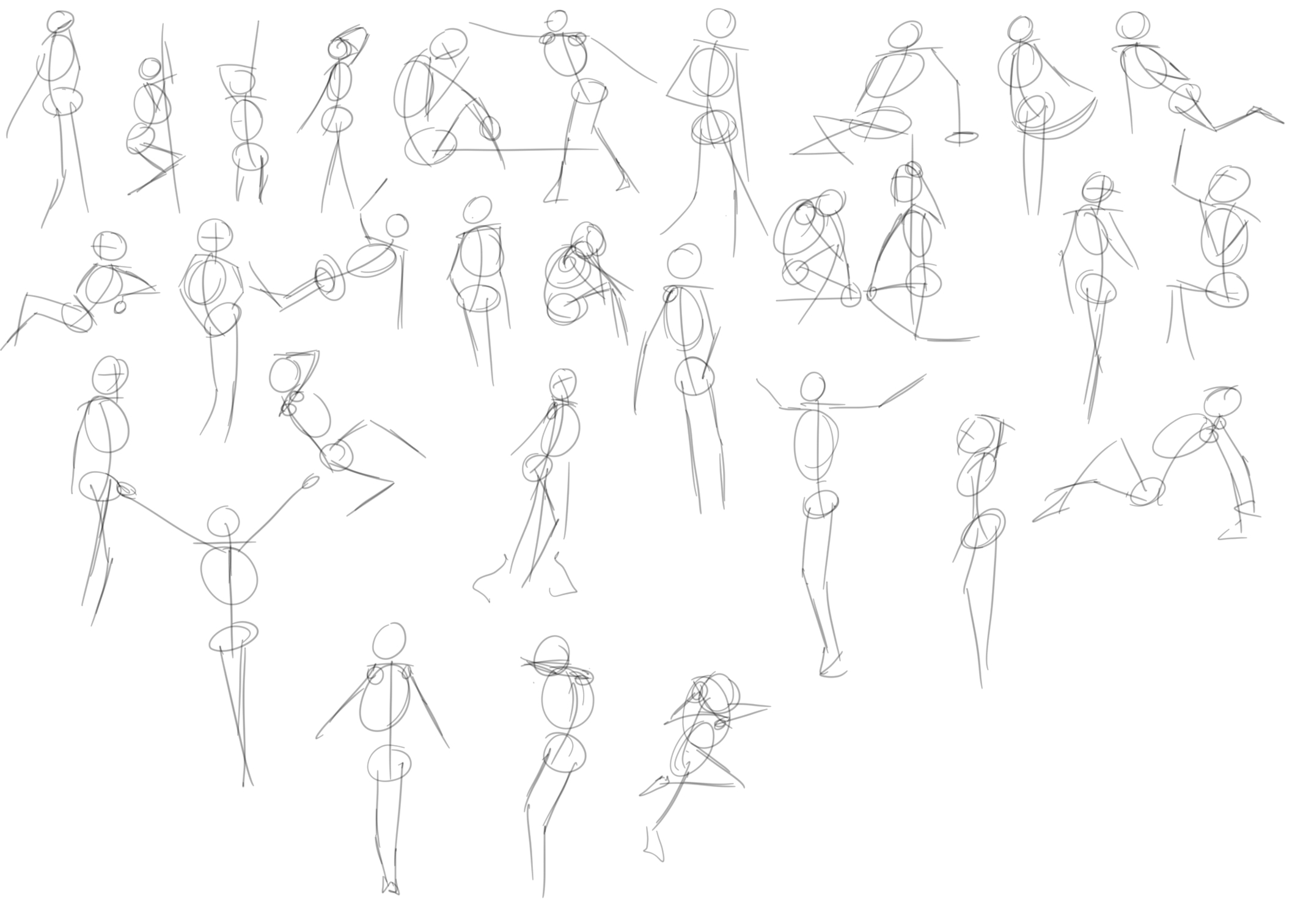
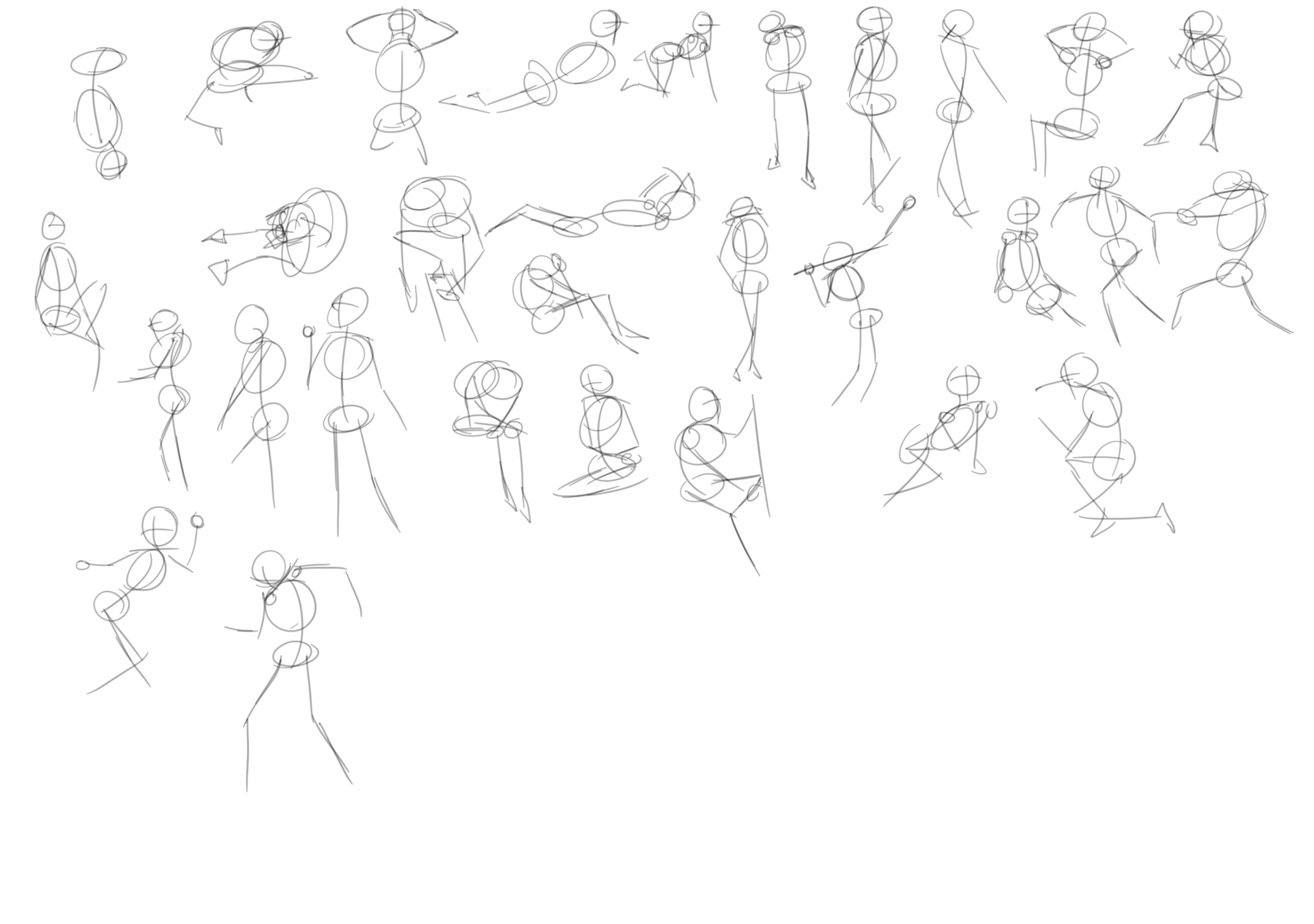
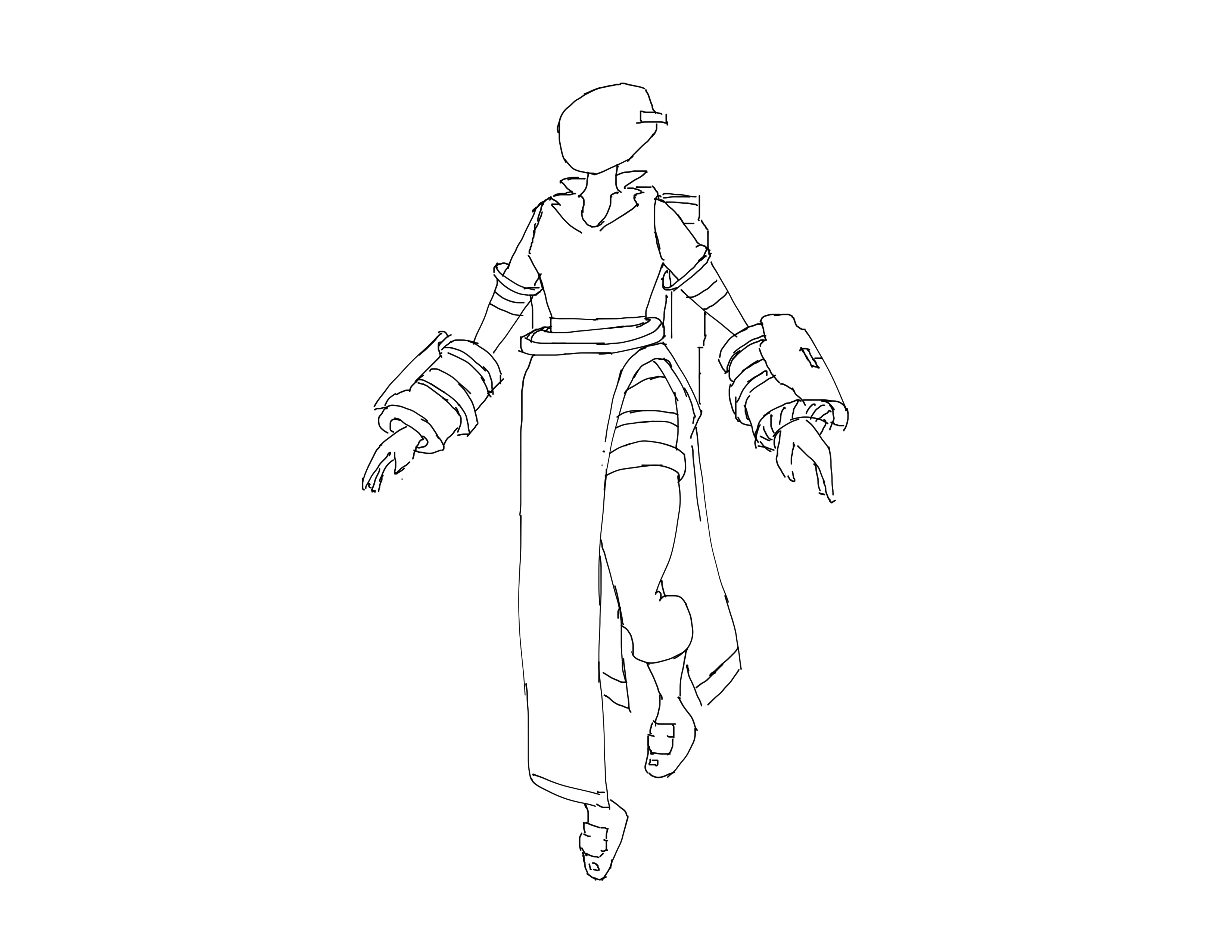
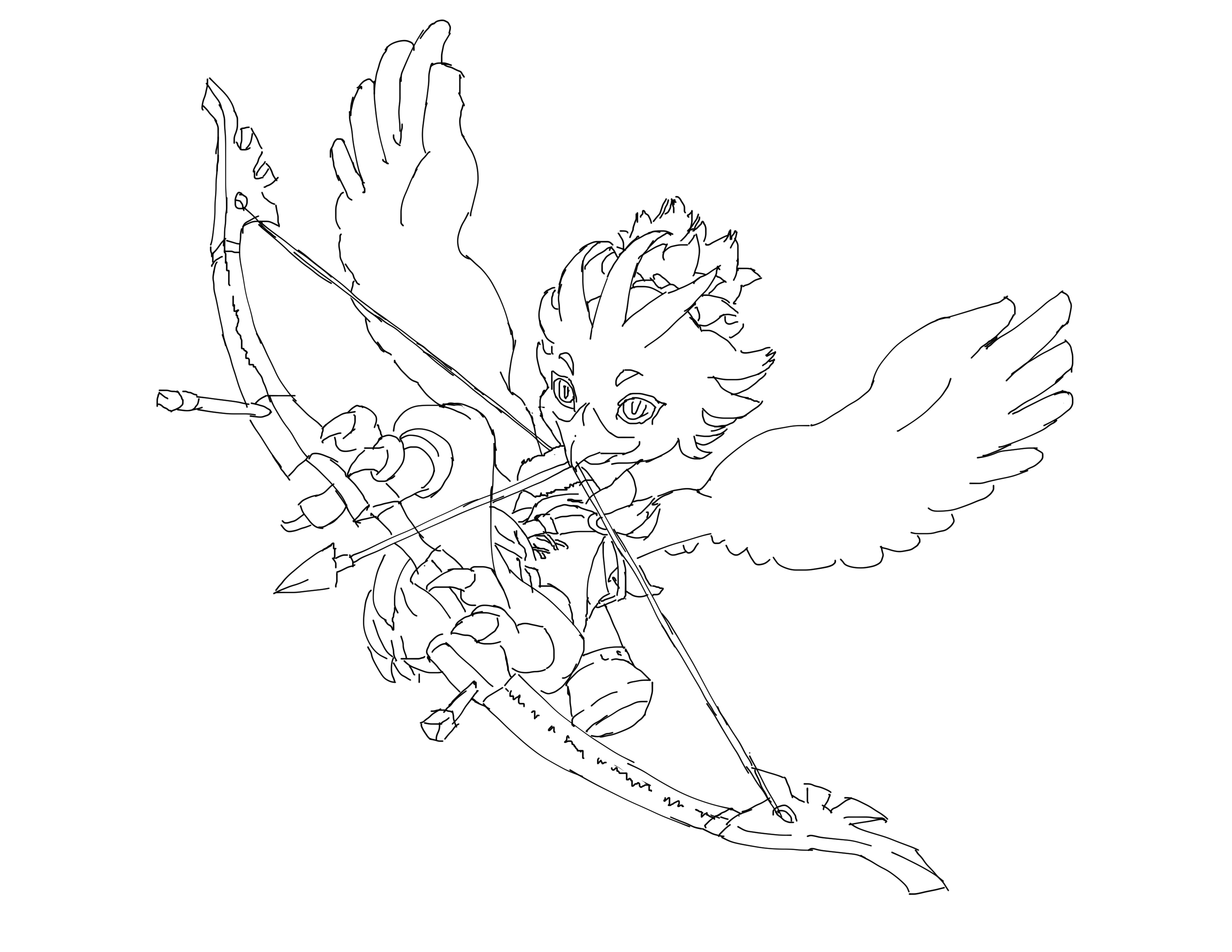
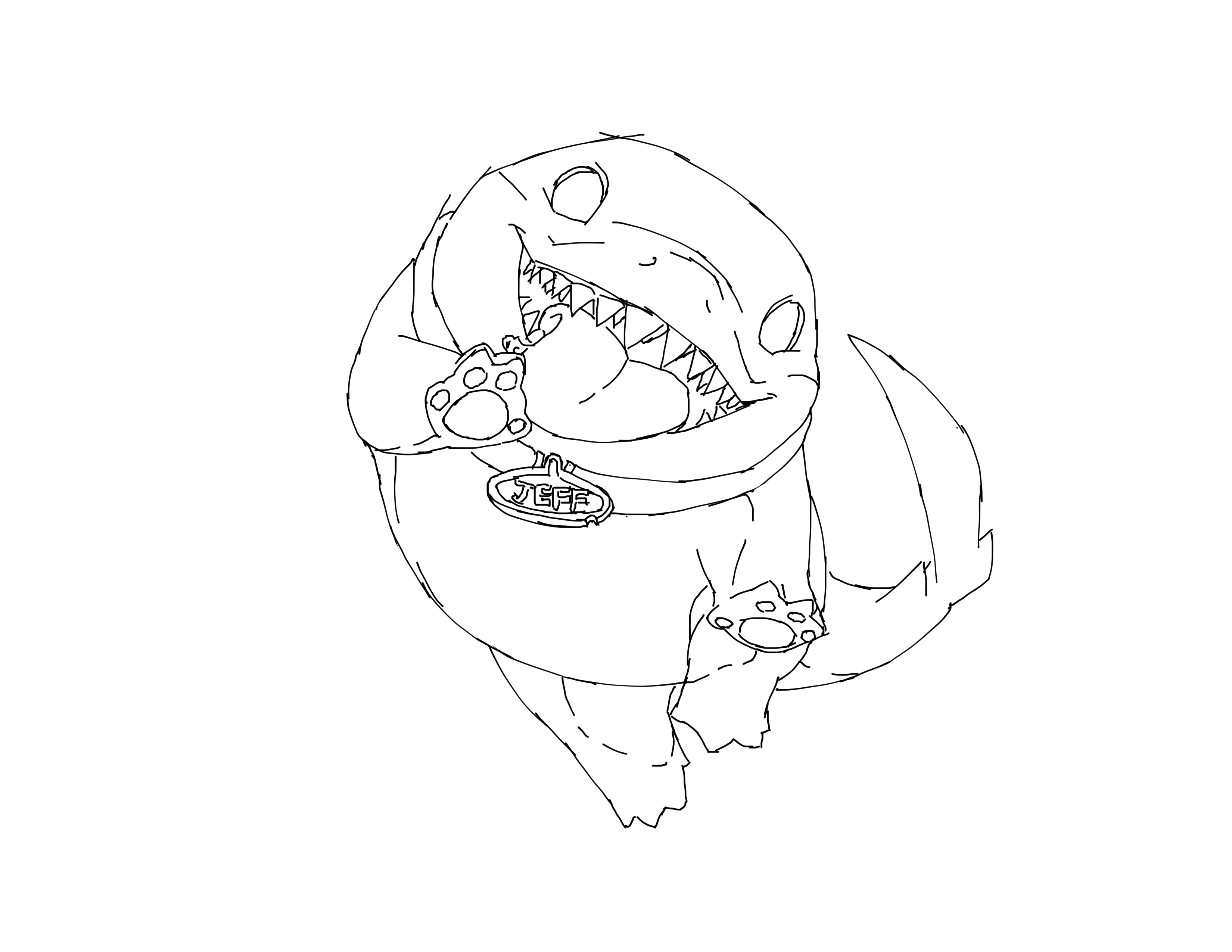
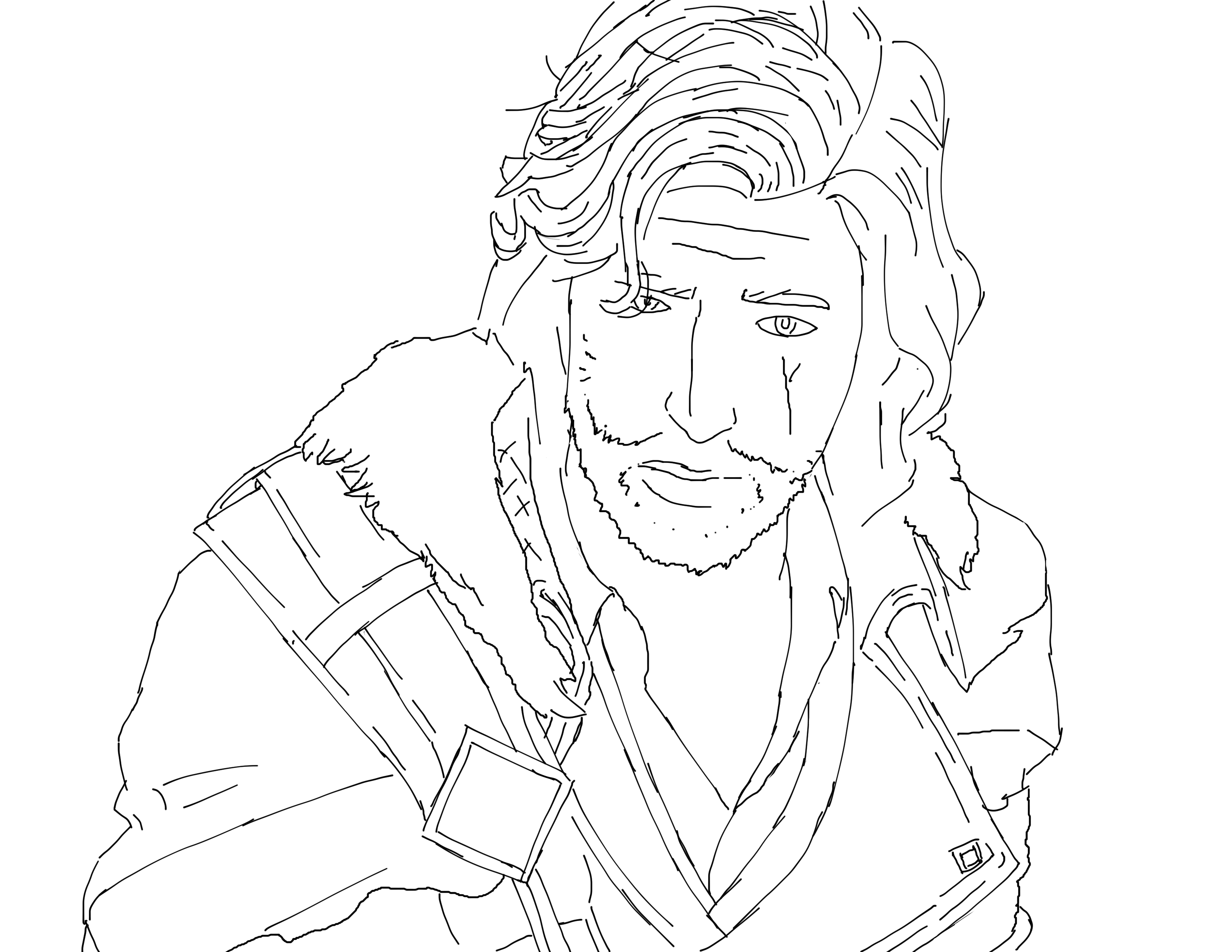
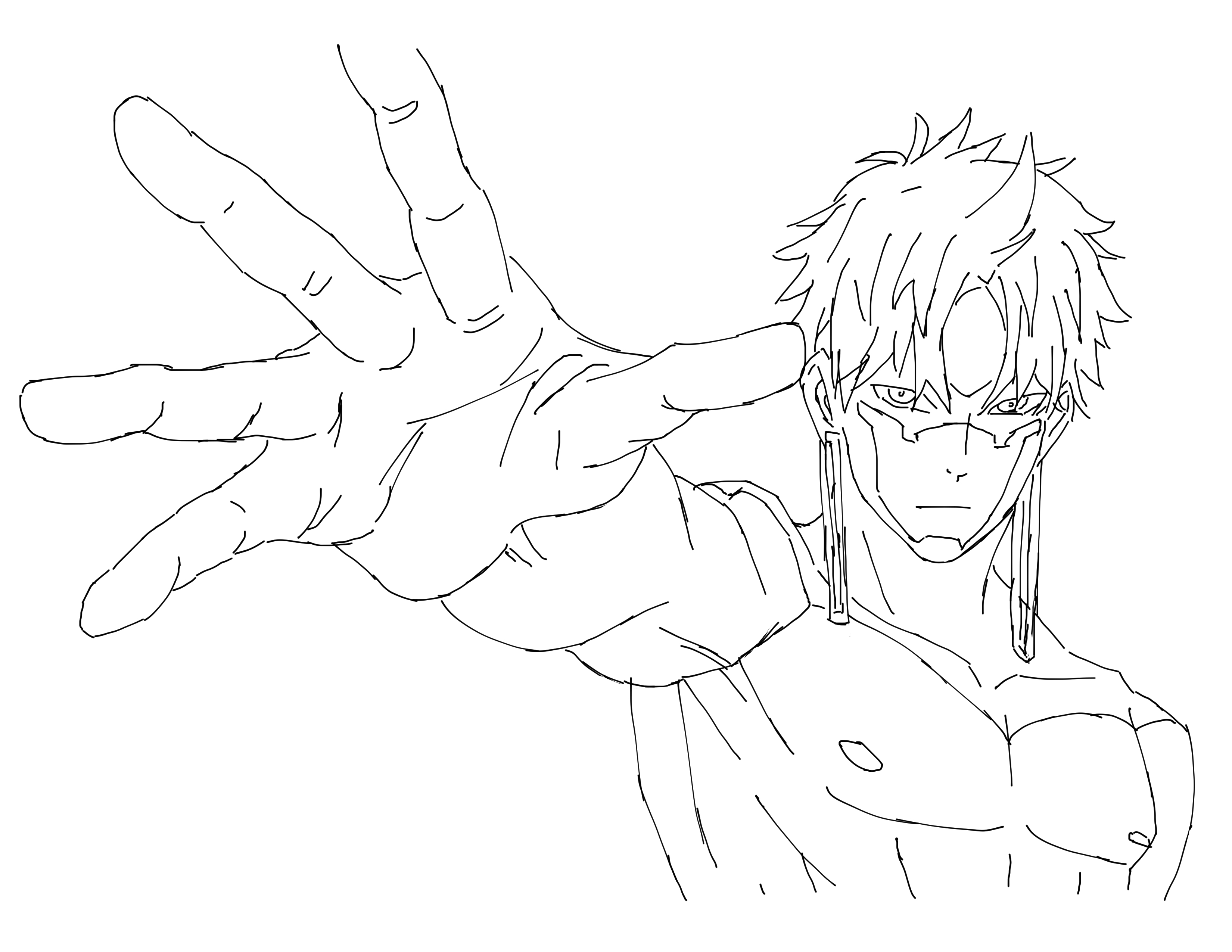
I know it's been a while, but a lot of stuff happened and I wasn't able to keep up the pace I wanted to. I'm a little behind where I want to be in the curriculum at the moment but that's fine.
Even with that said, I've gotten a lot of progress done and I'm still very proud of how far I've come even in just a few weeks. Before I show off everything, It's crucial to know that this is not the first time I've tried going through this. A few years back, when I had originally purchased the art class, I really tried to keep up with it while attending college classes. However, adding this on top of my already stacked course schedule was surprisingly stressful and my entire schedule fell apart when exams rolled around, so I stopped.
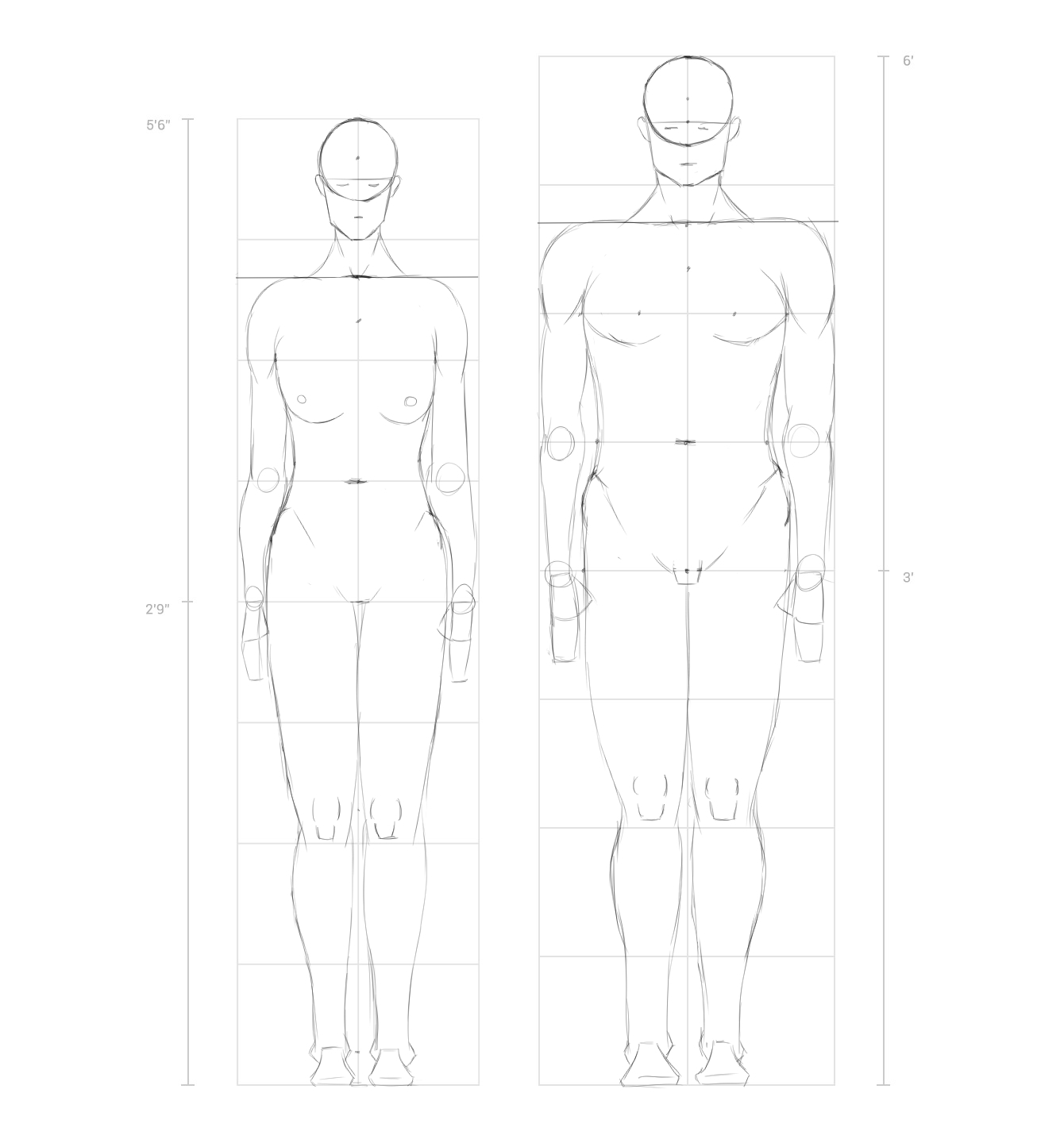
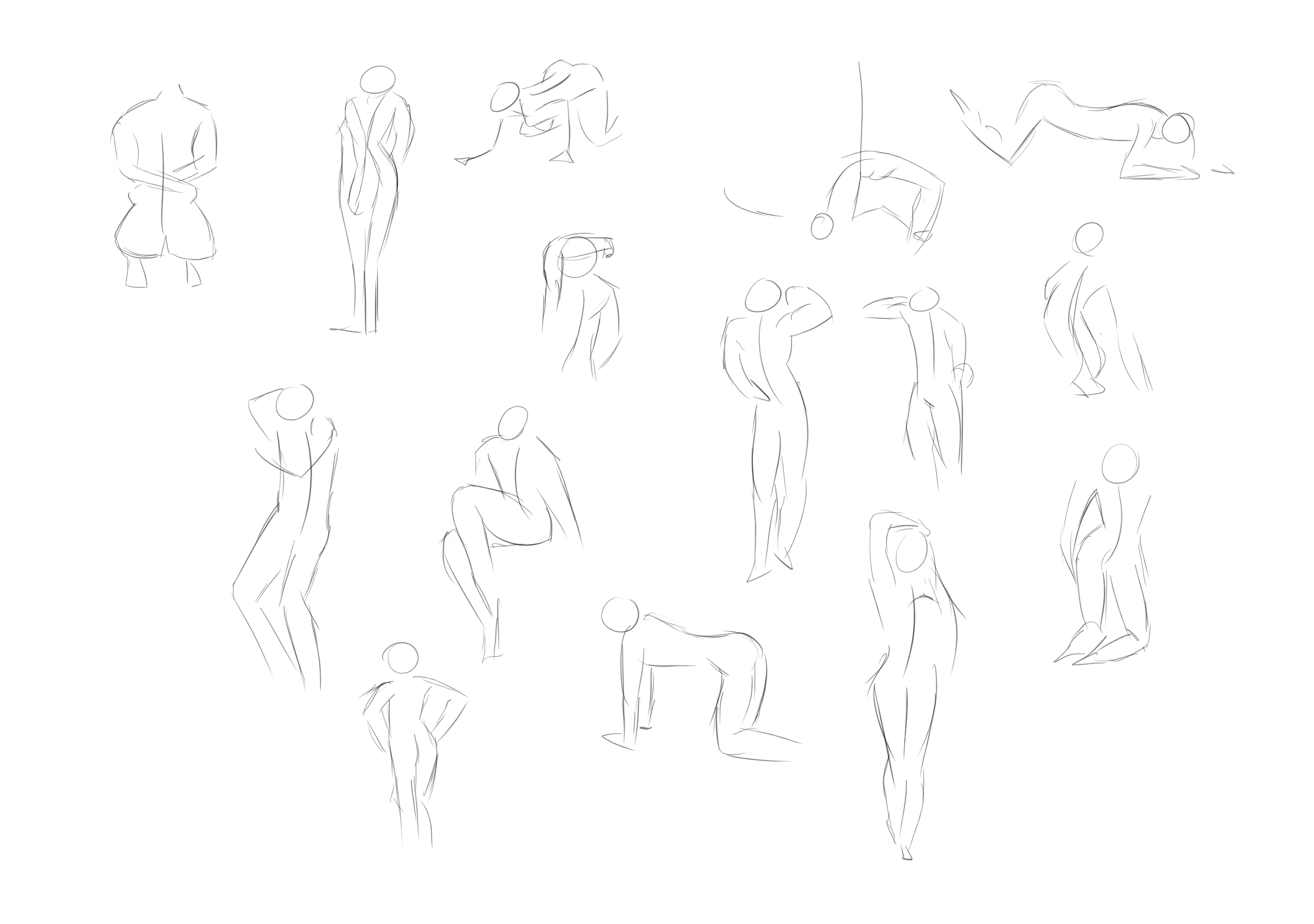
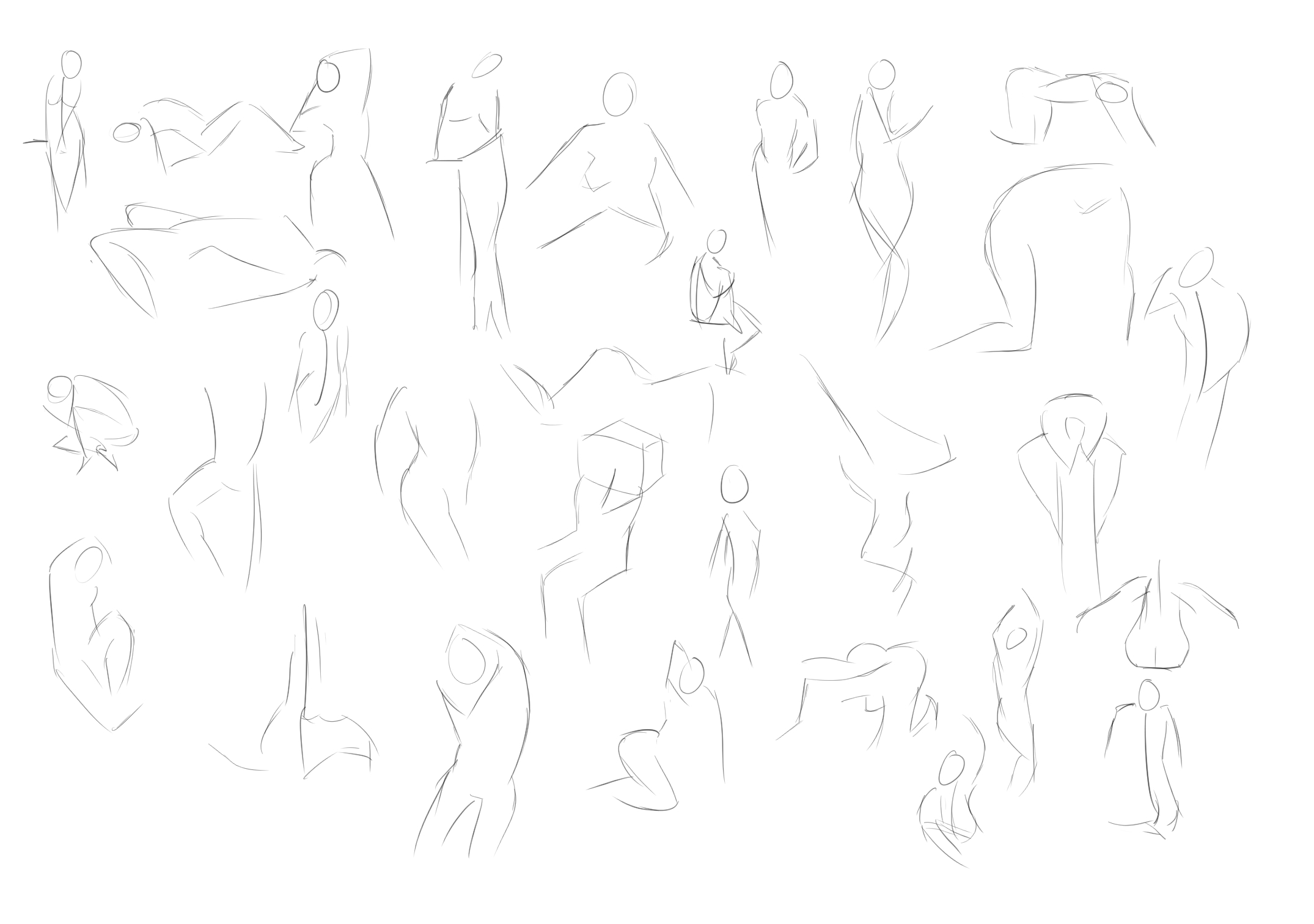
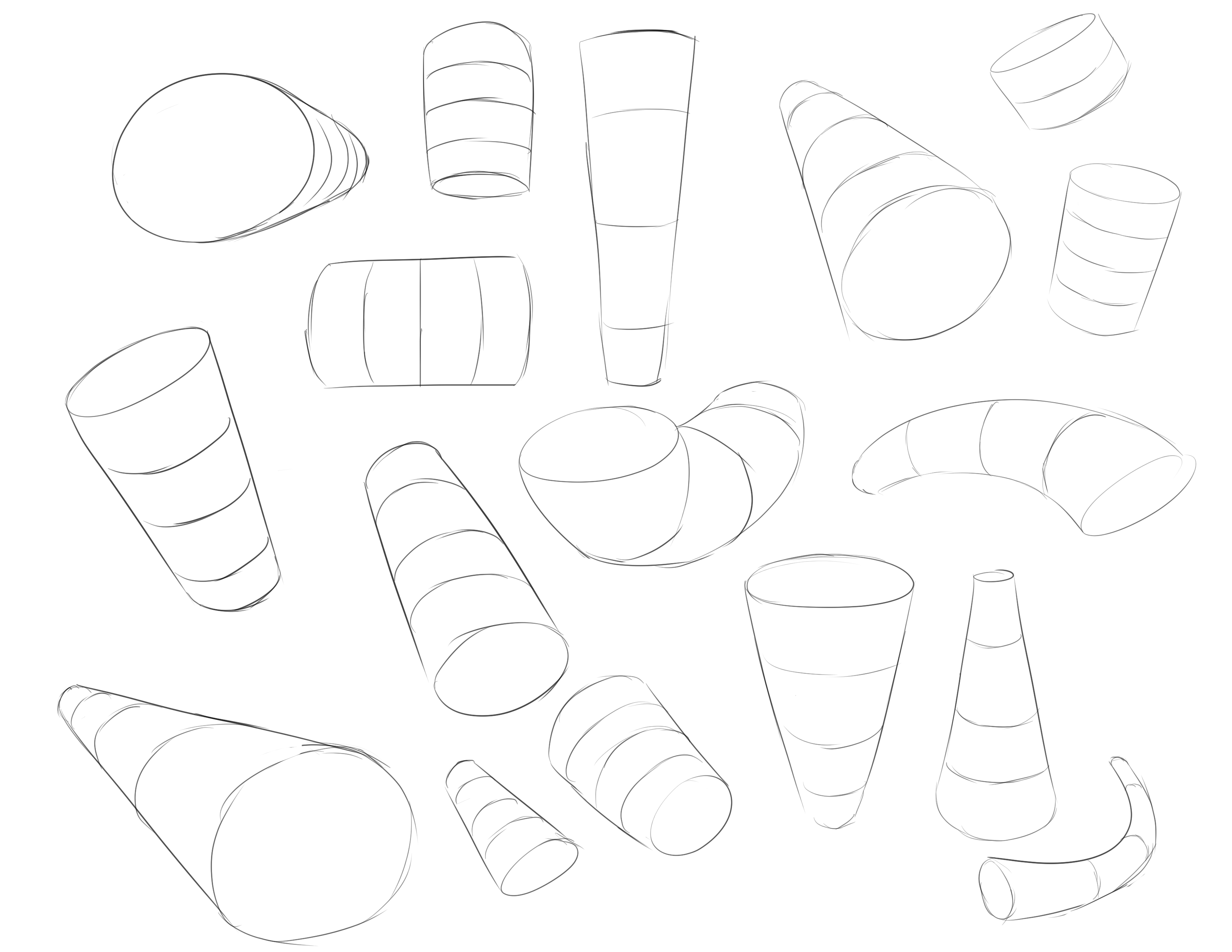
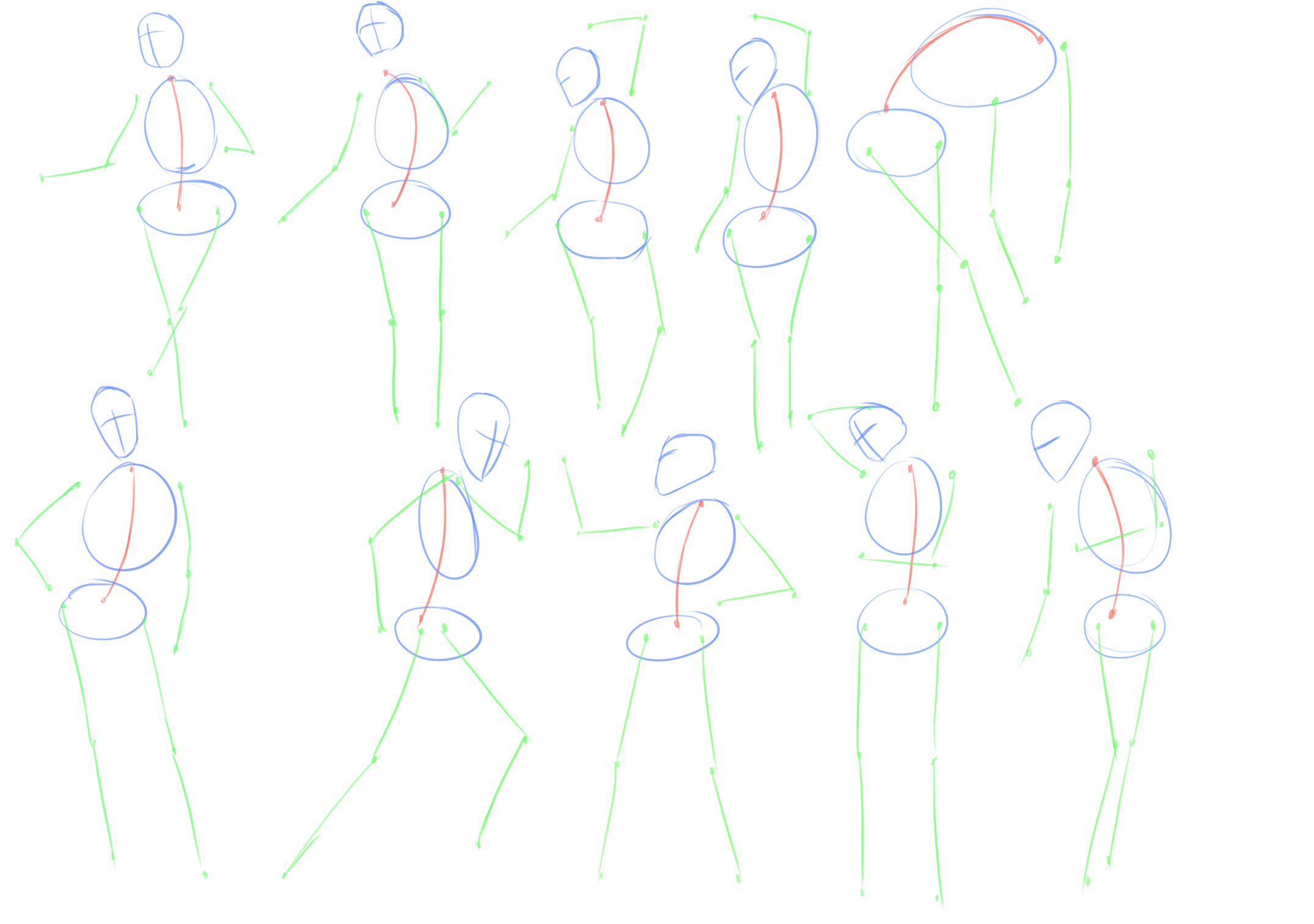
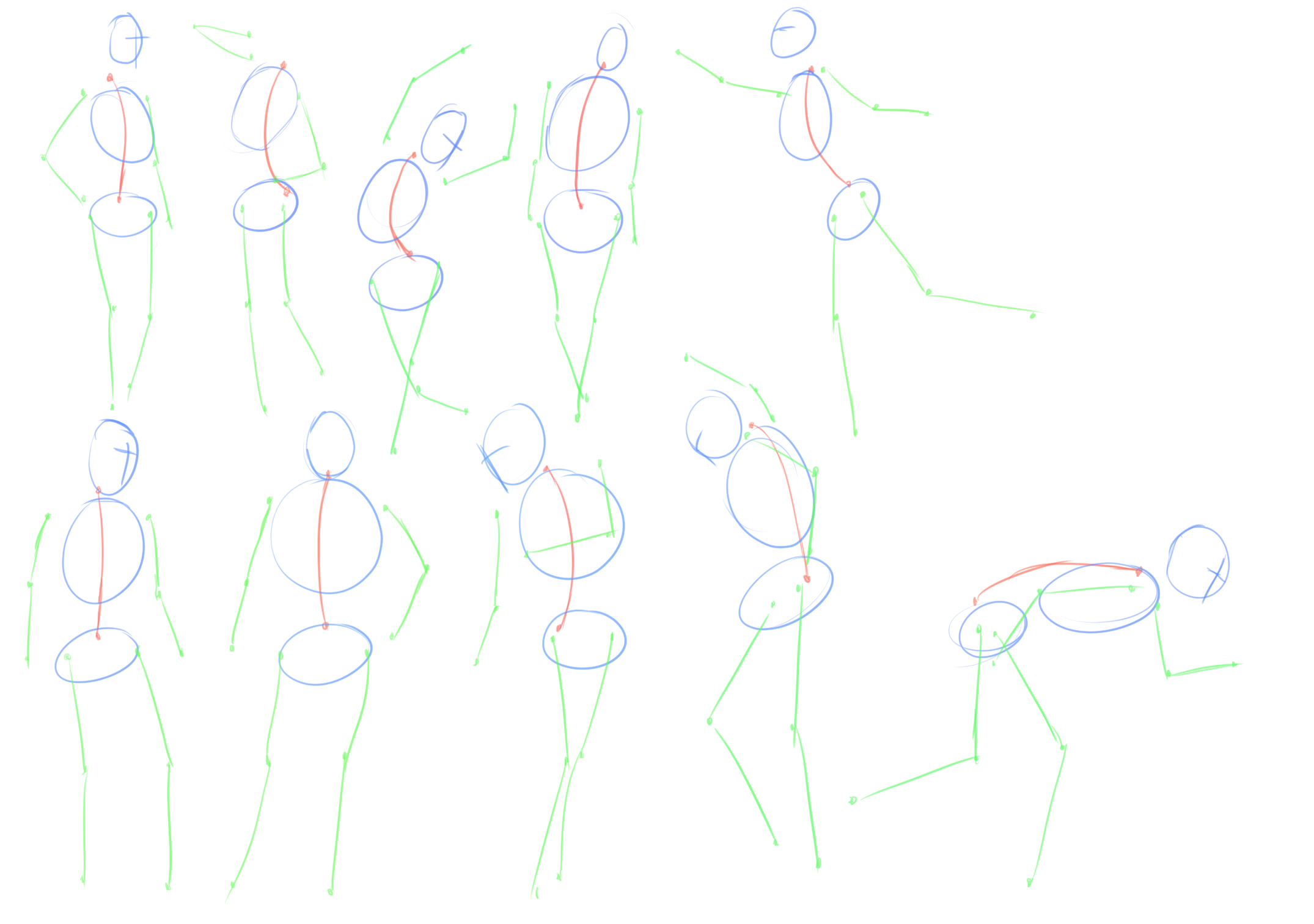
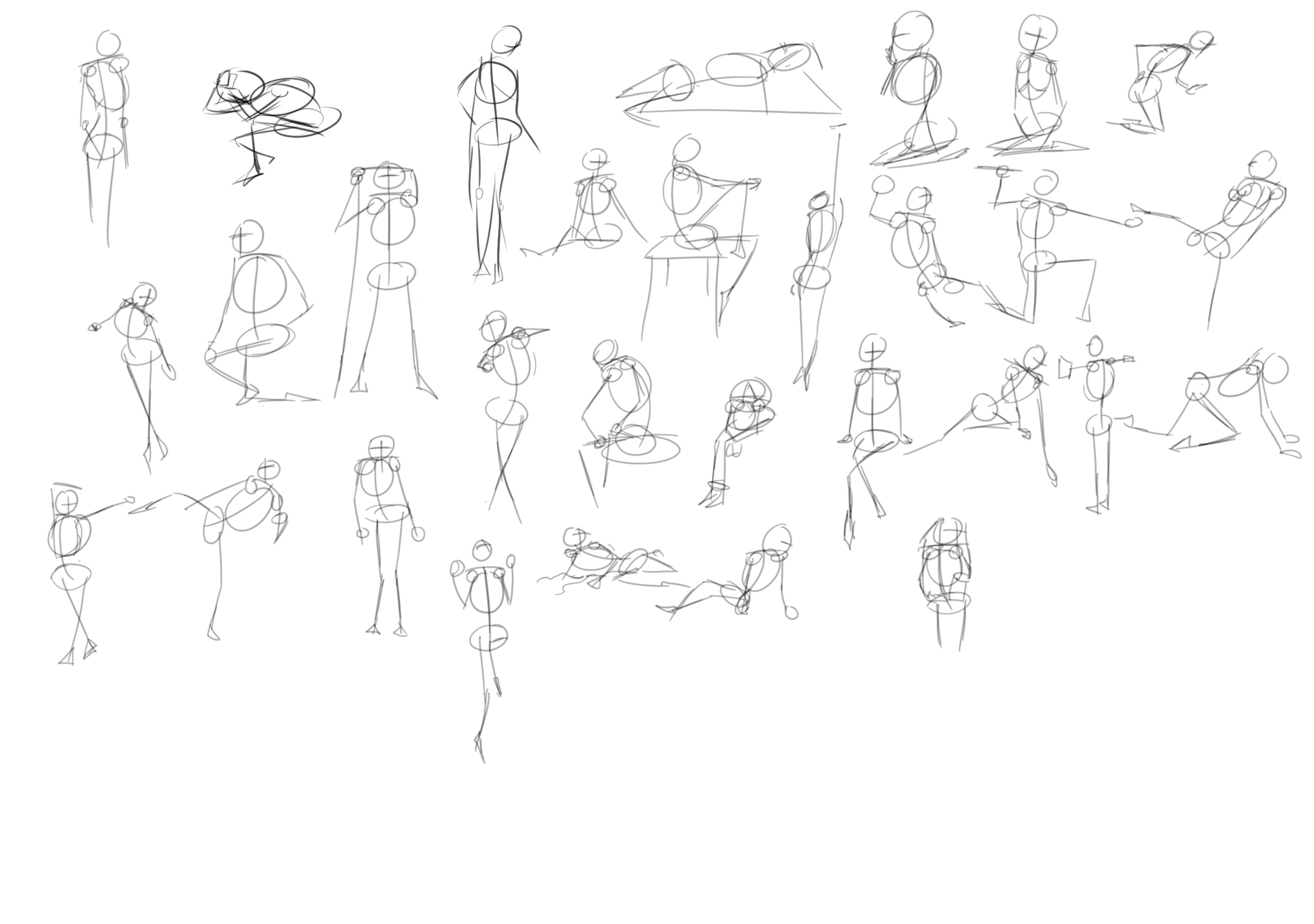
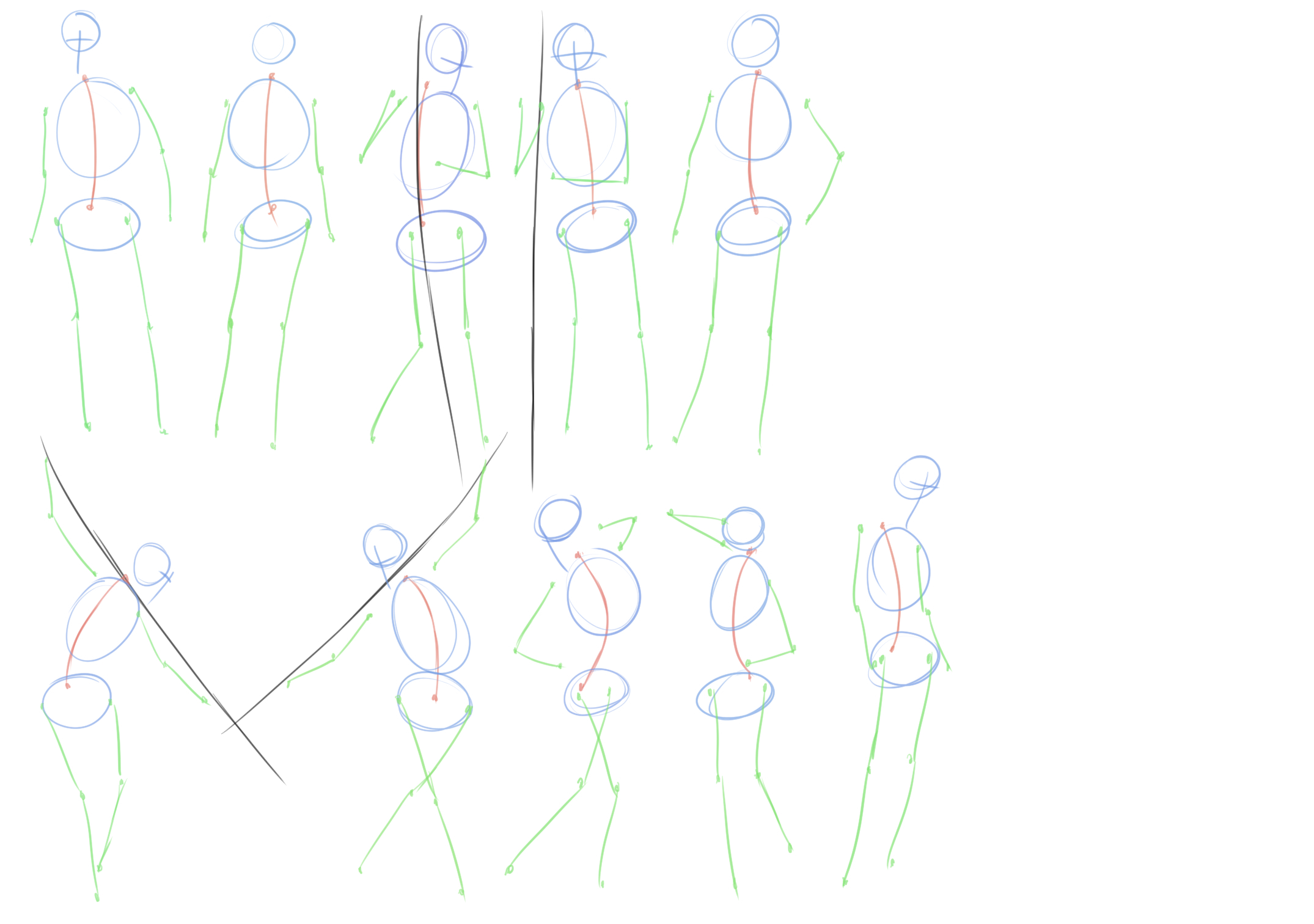
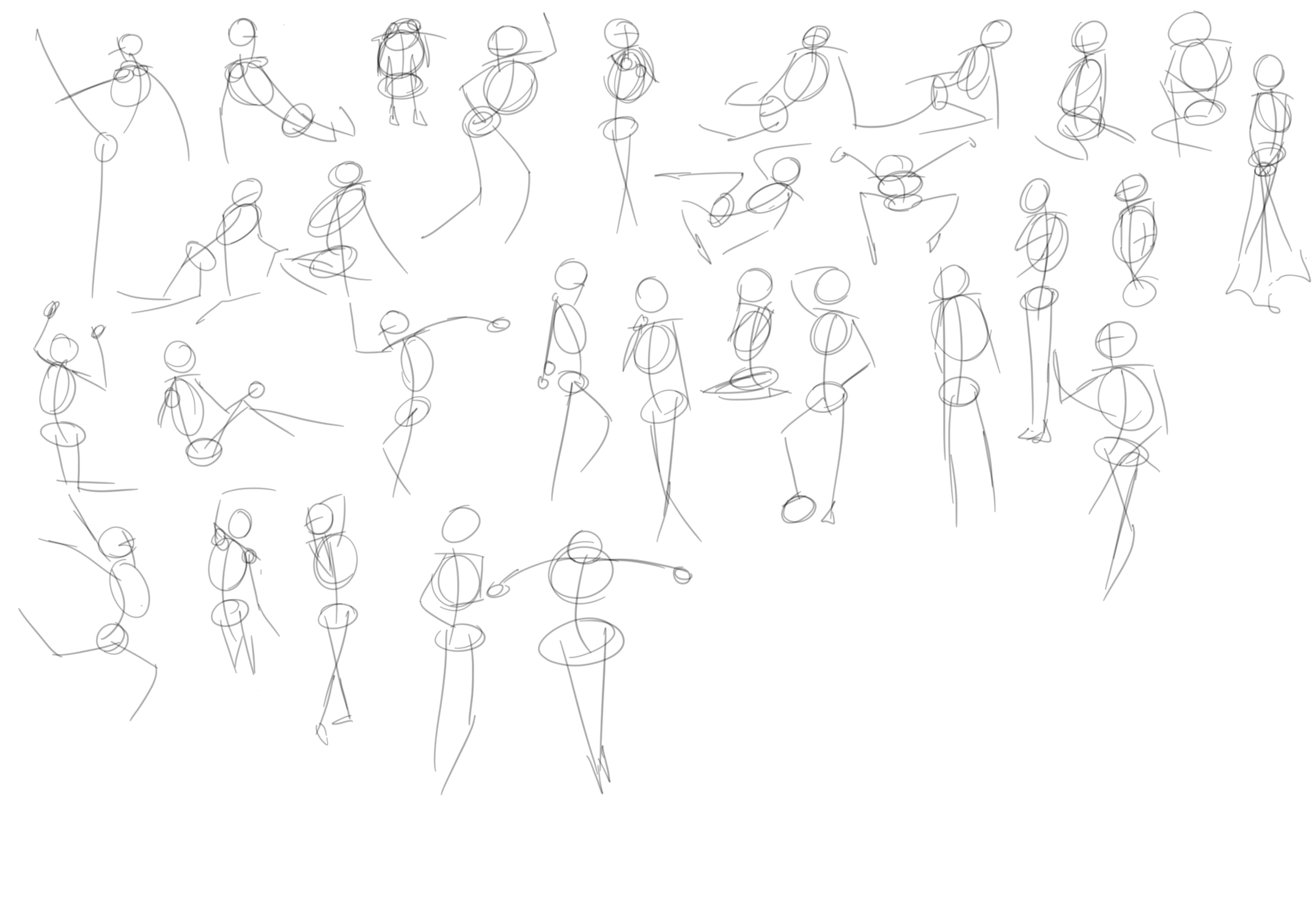
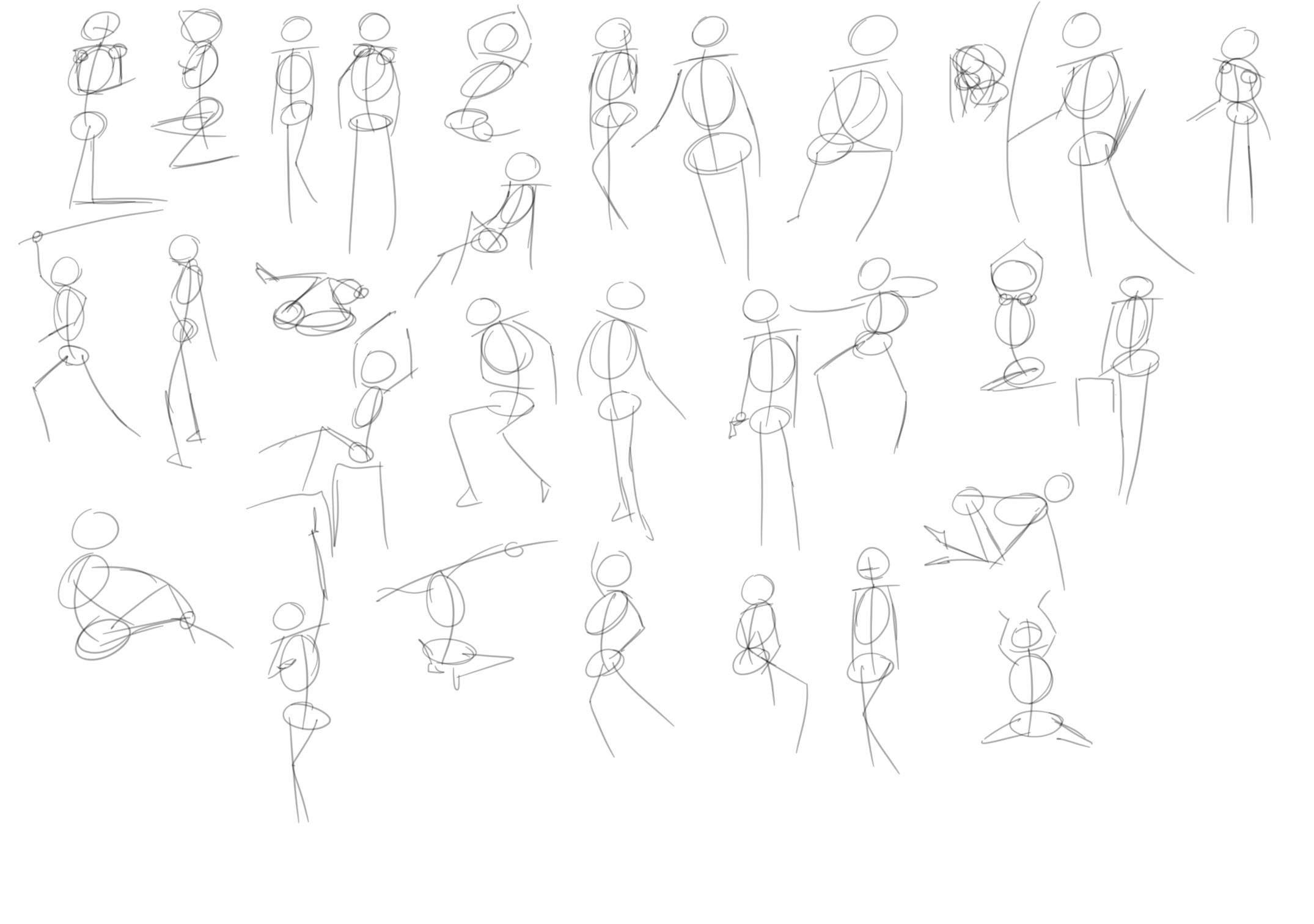
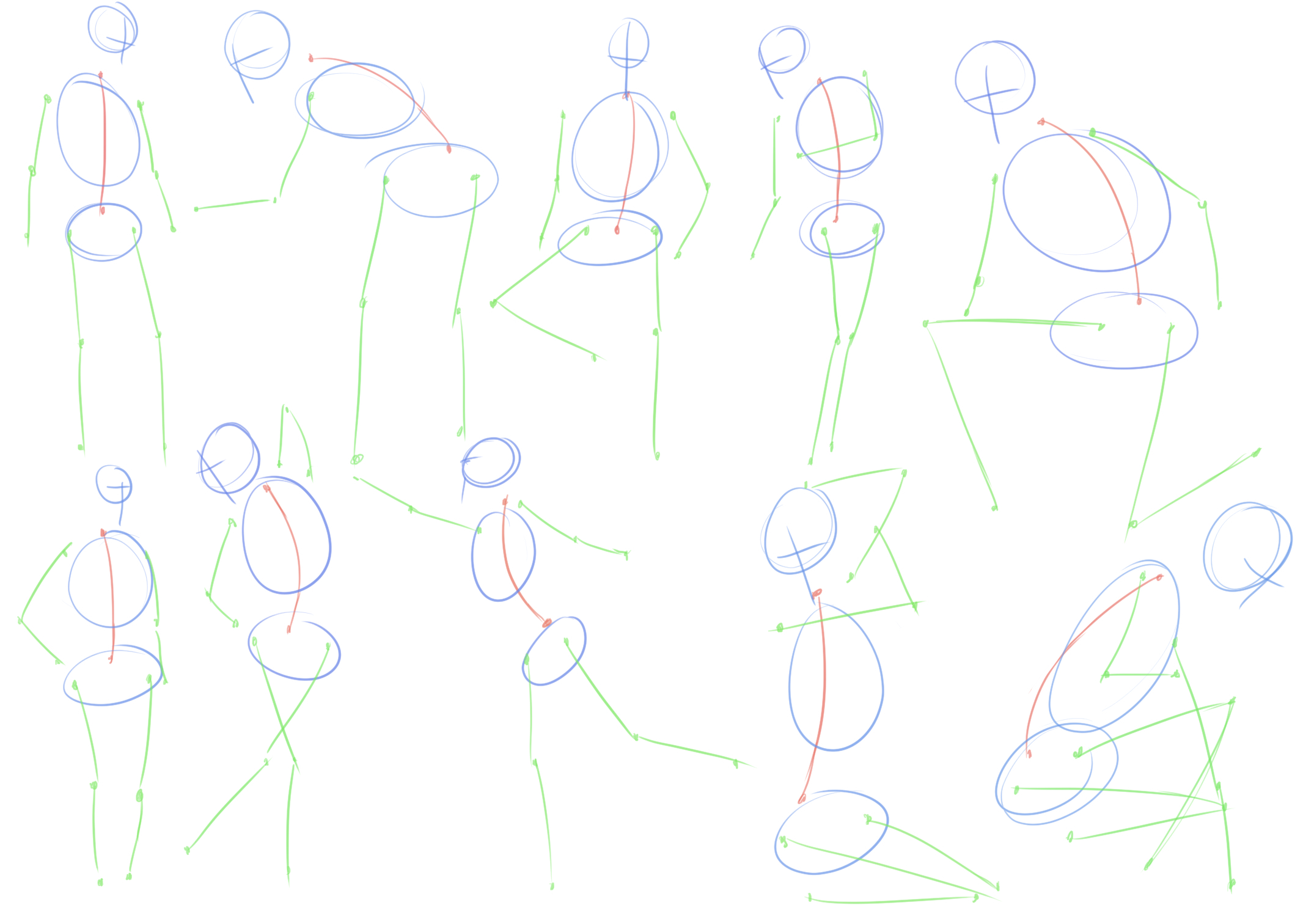
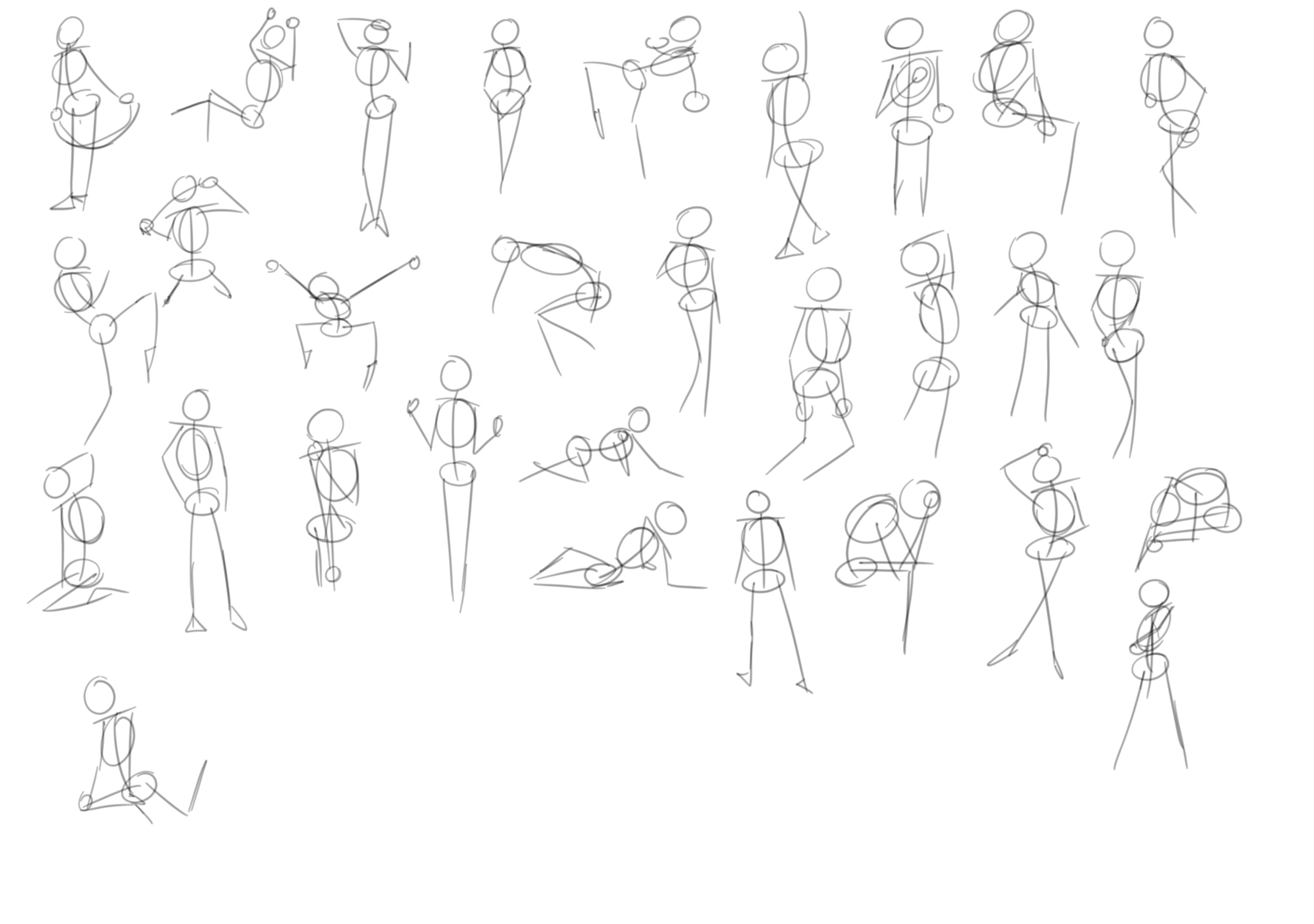
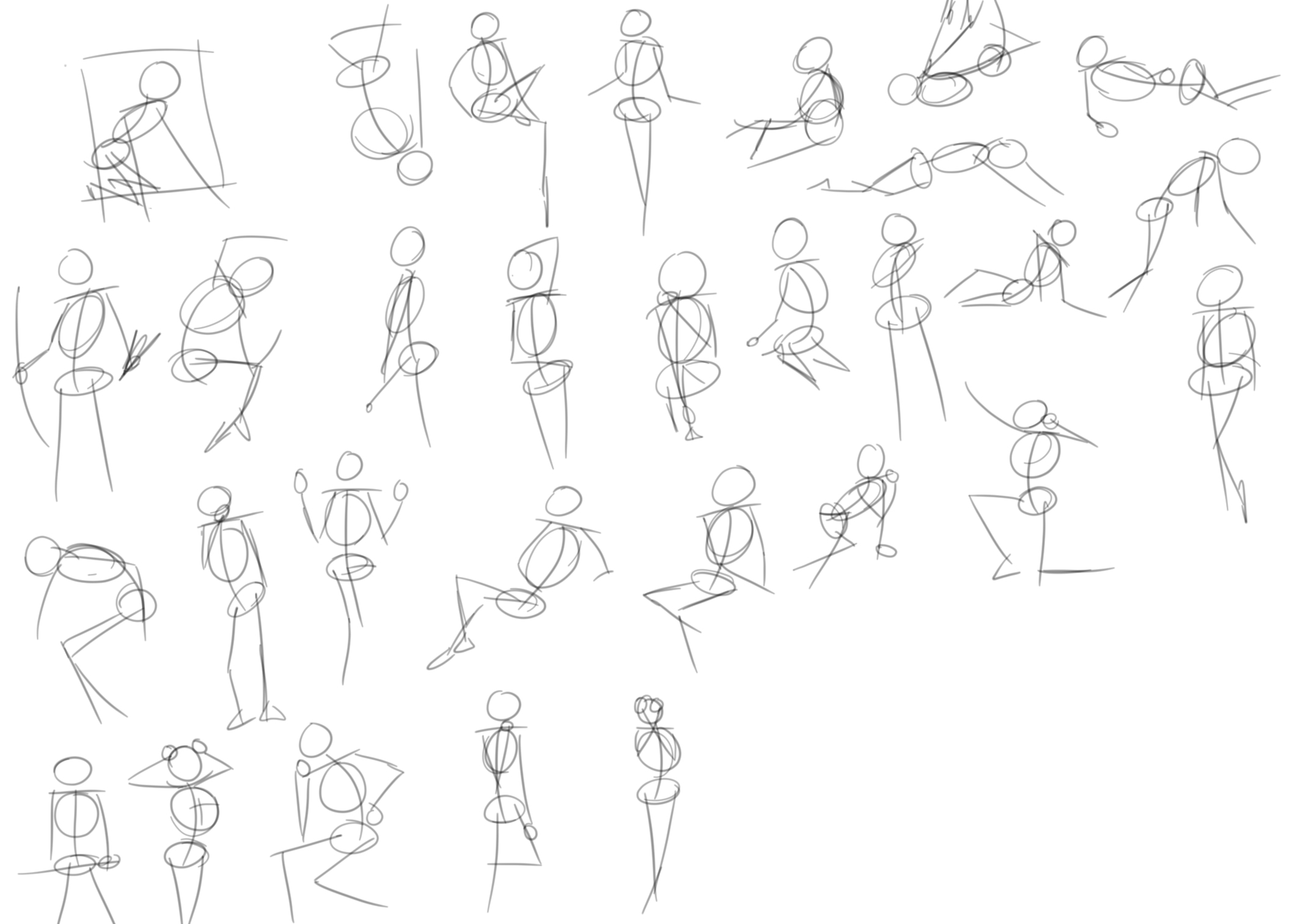
Unfortunately, this means that I thought I could just start where I stopped last time without any regard for the study guide. While the time I spent gesture sketching isn't wasted, It was not the right time for it. Now that I have the time, I decided to start back from the beginning with week one and I could already tell that I've gotten better at both photoshop and art in general.
Now lets get into it
Week 1
Didn't spend too much time on this week, mostly because it was a bunch of boring stuff that I already knew how to do. I used to use Photoshop a lot for school, so I'm intimately acquainted with how the functions of the program work.
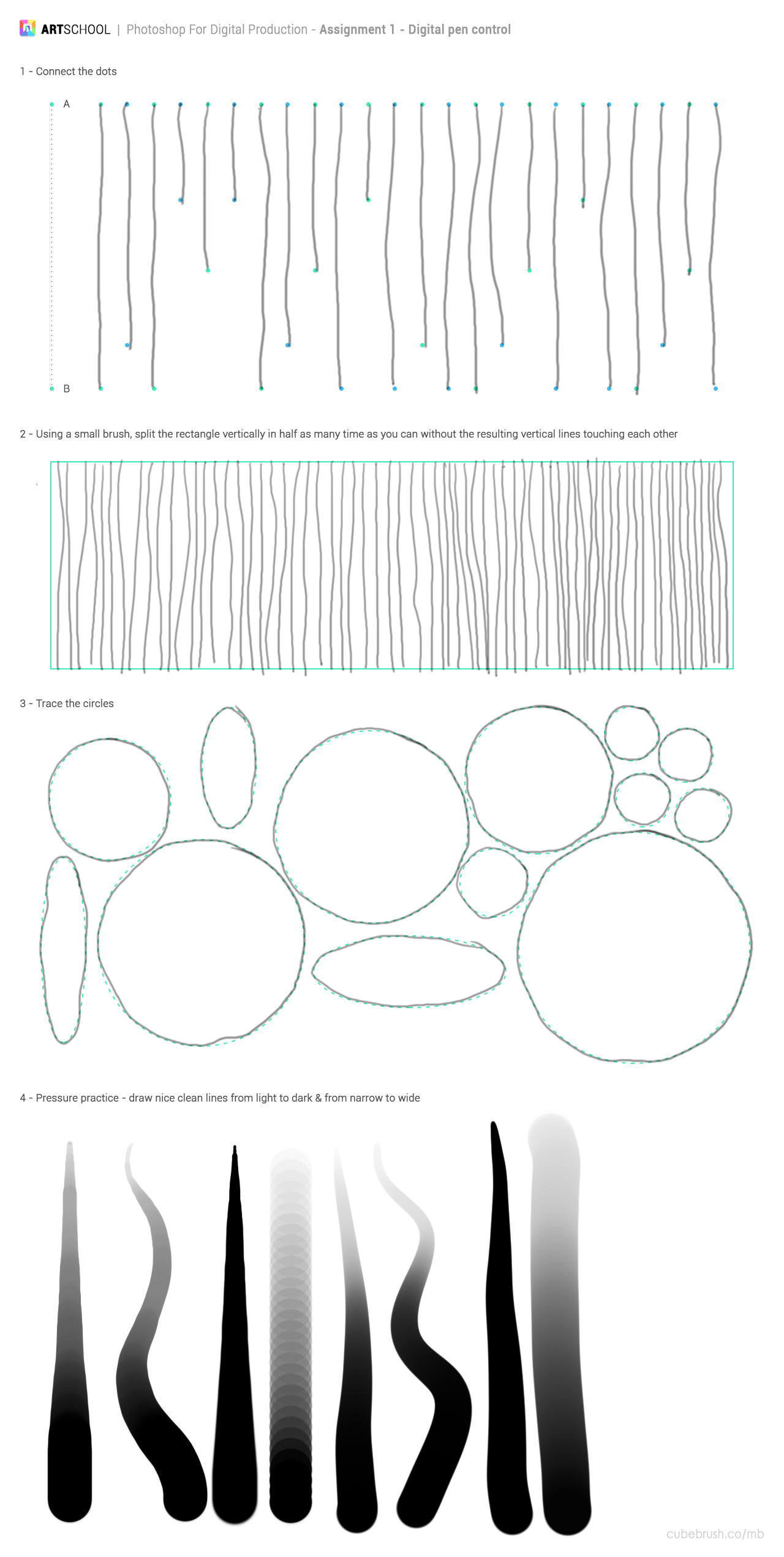
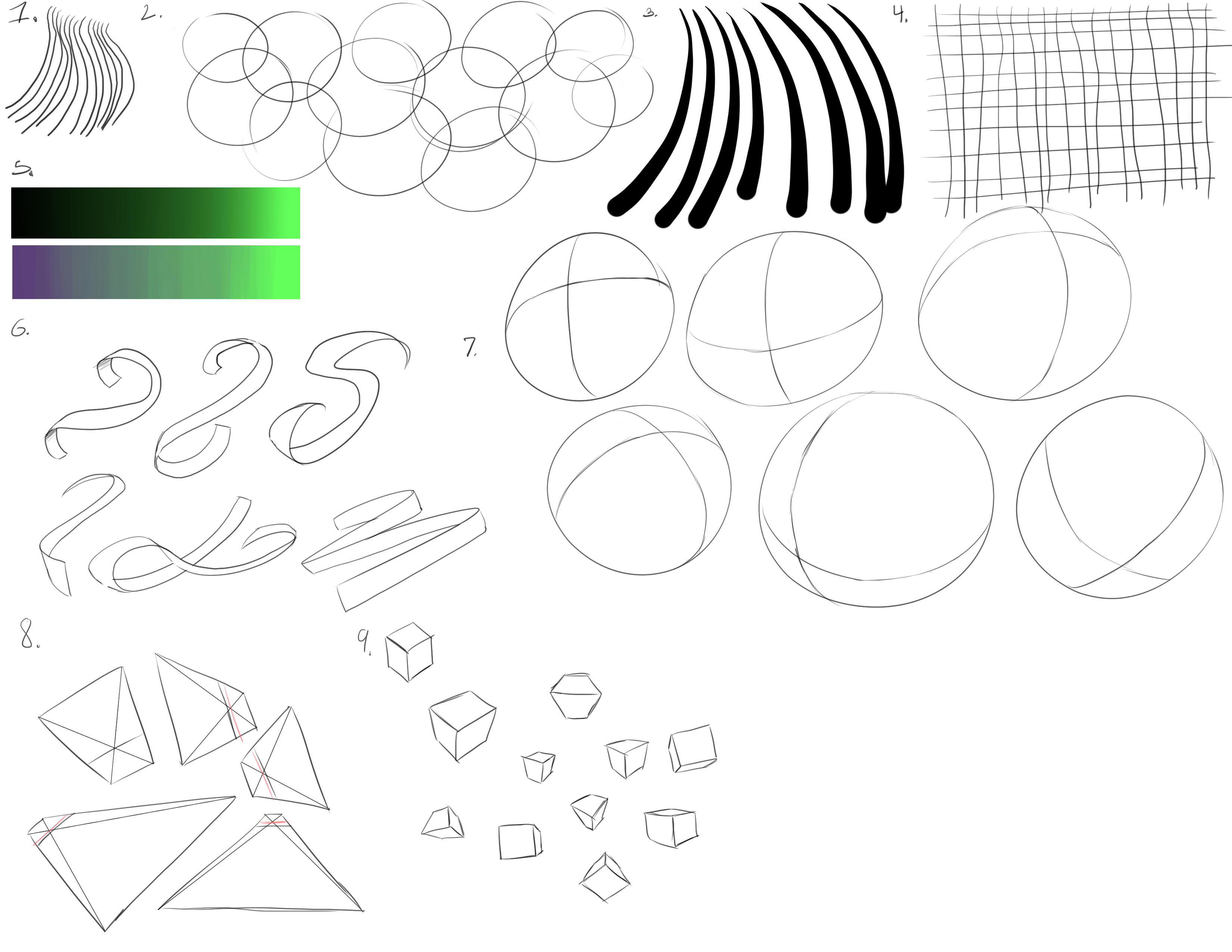
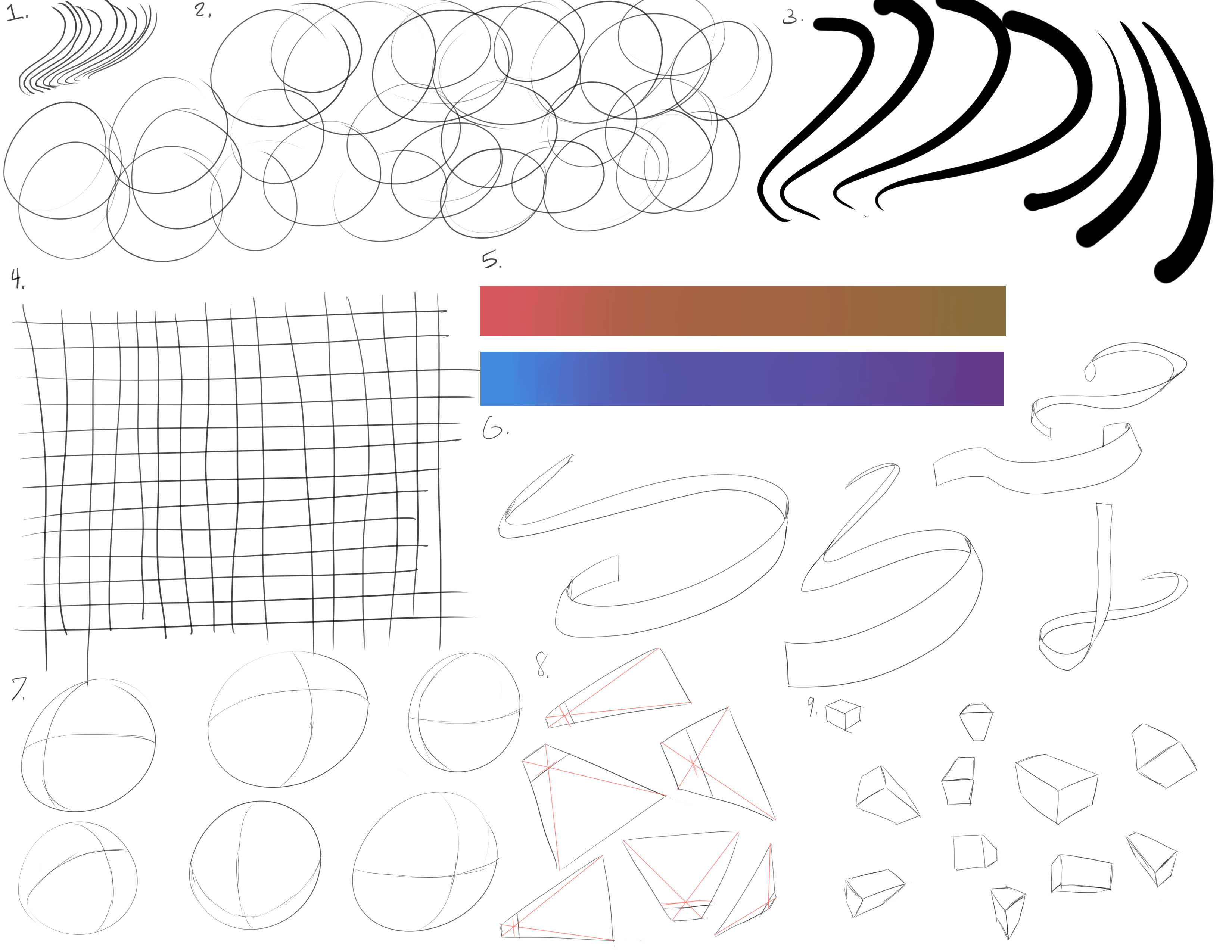
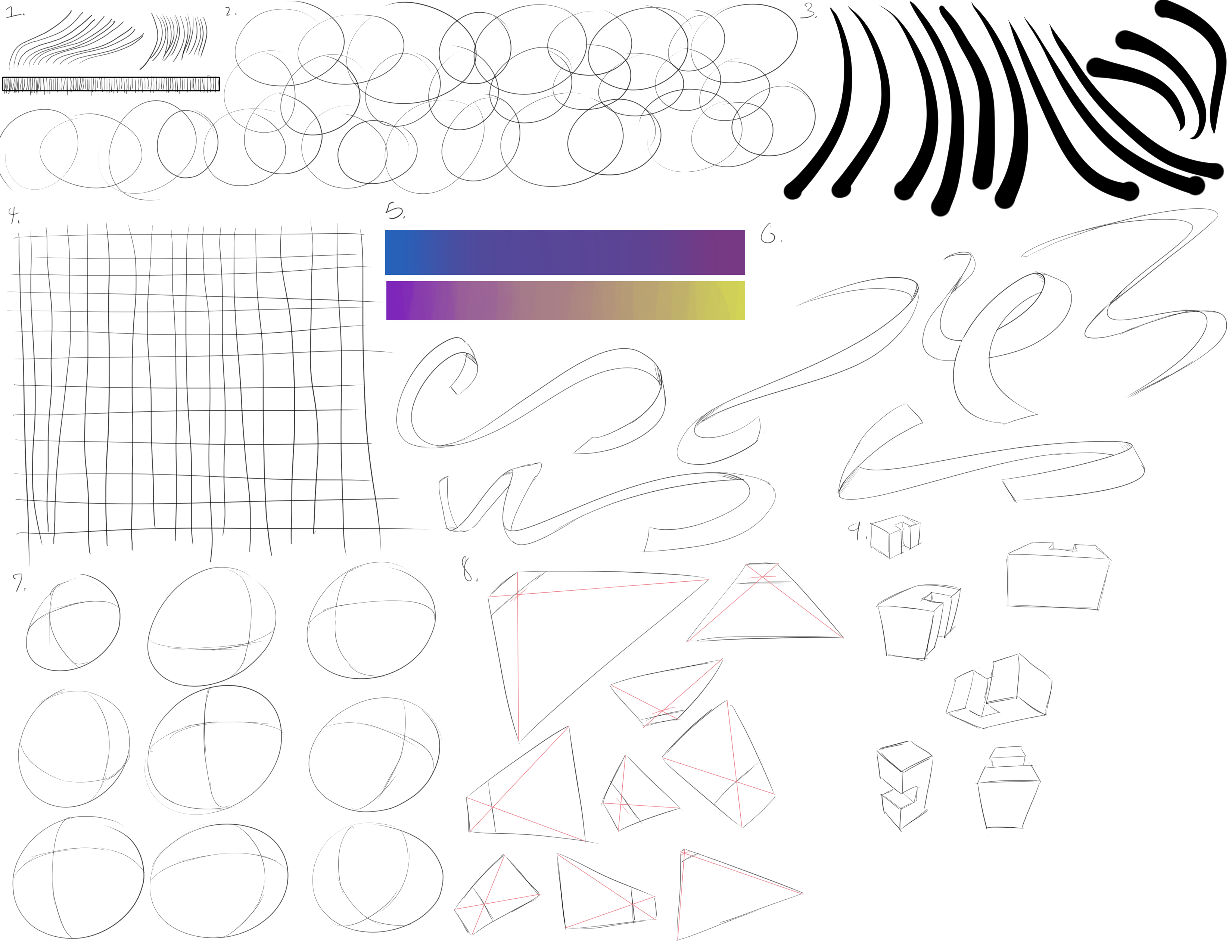
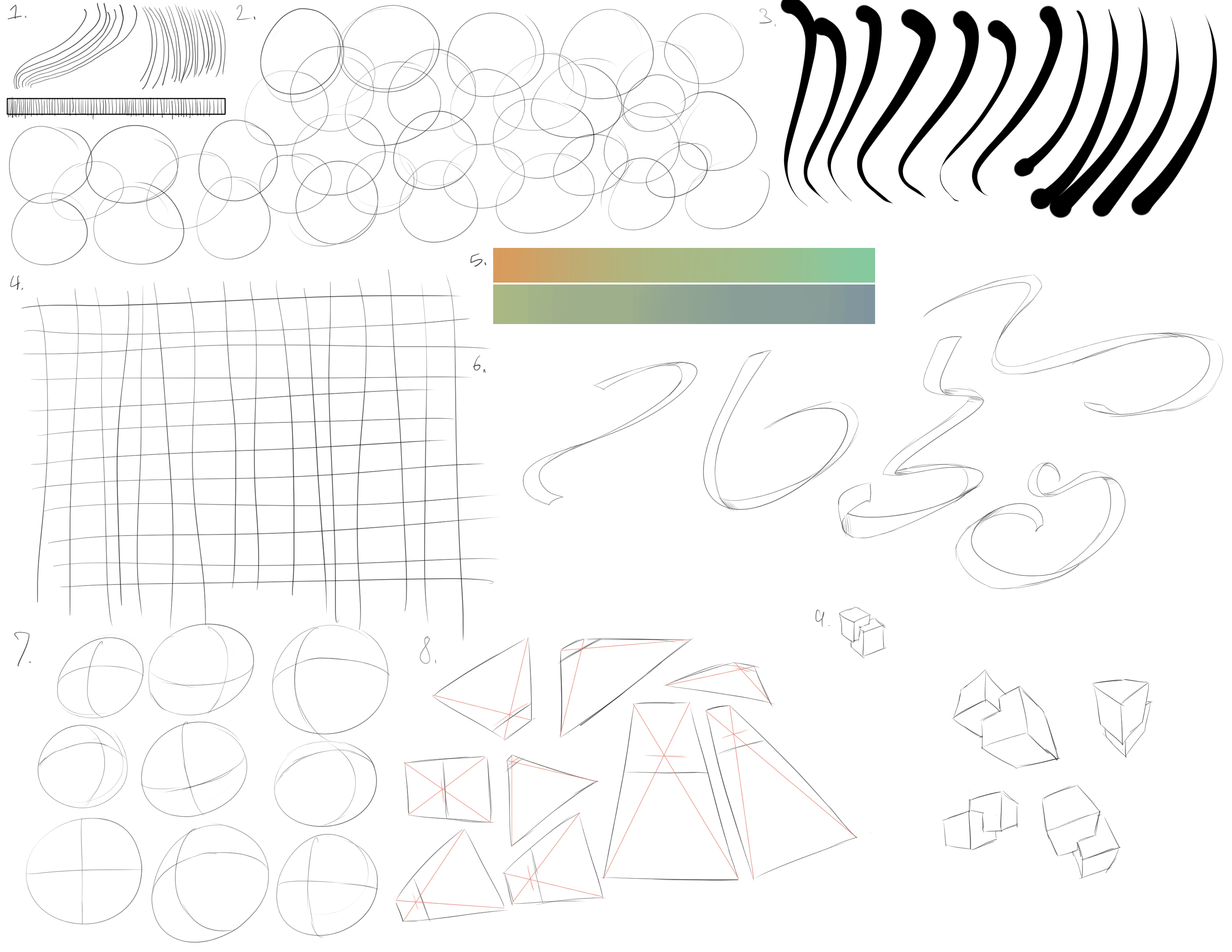
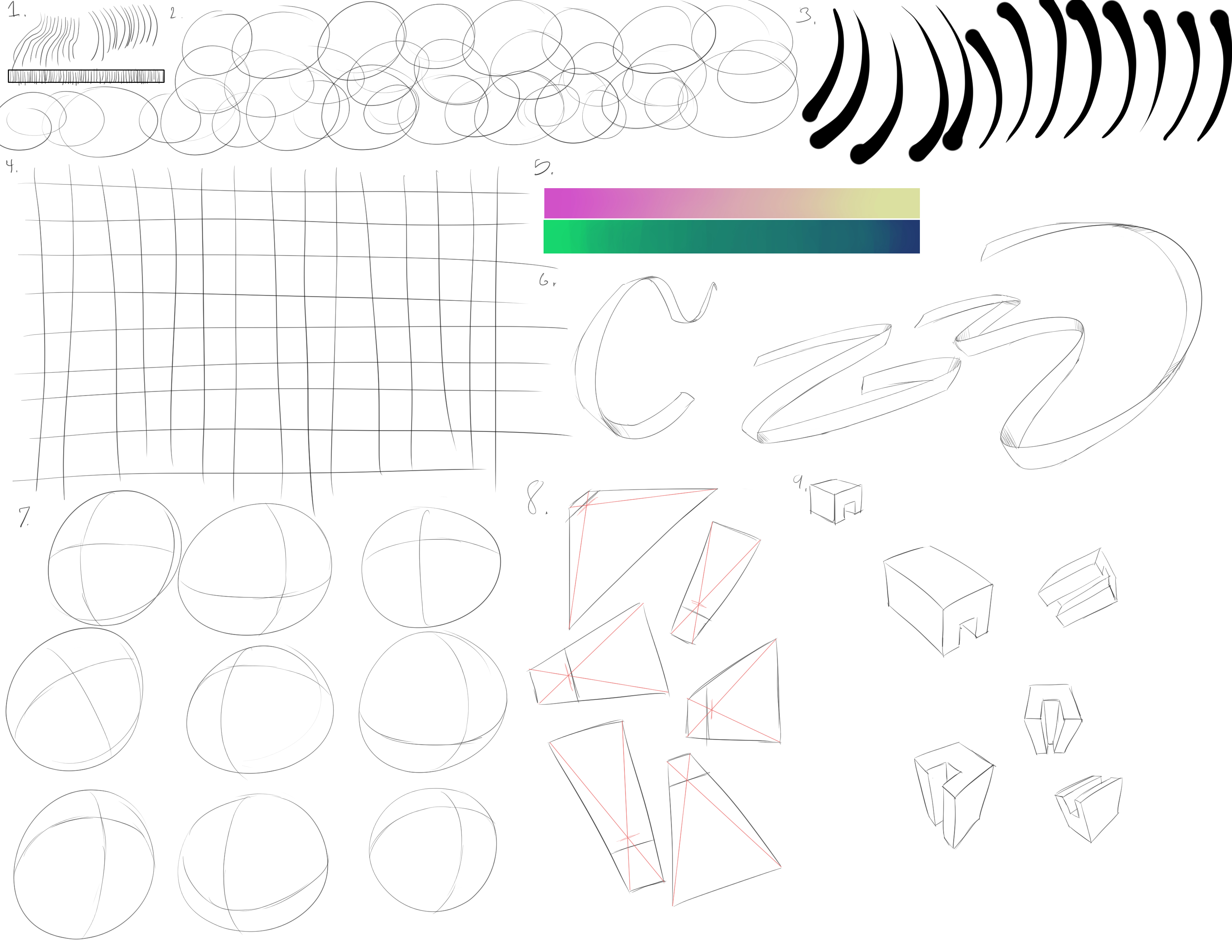
Starting with Pen Control, here is where I was at:
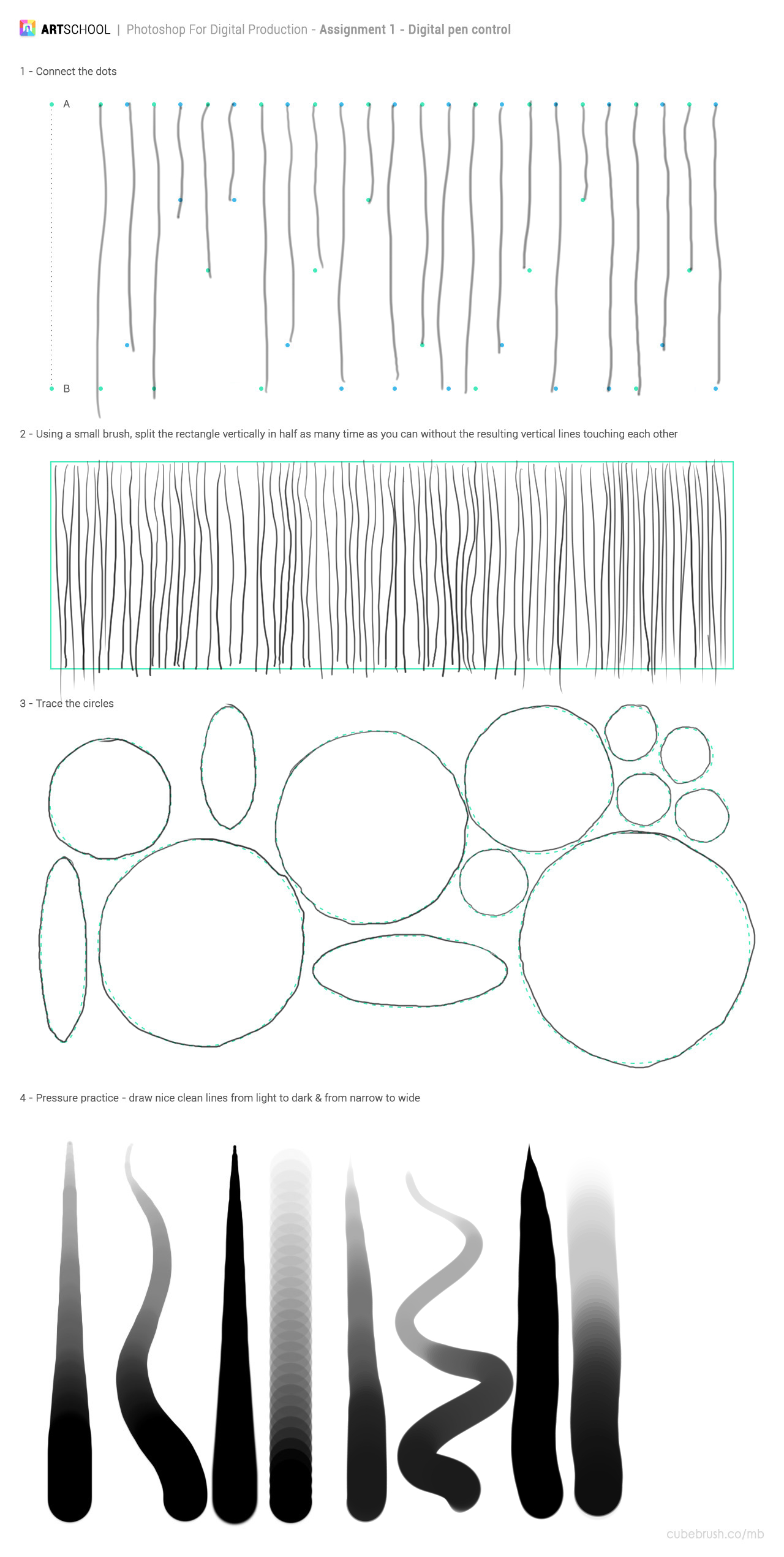
I used CSP for these exercises as I feel like I understand and enjoy it better for drawing while I'd much rather use Photoshop for image editing.
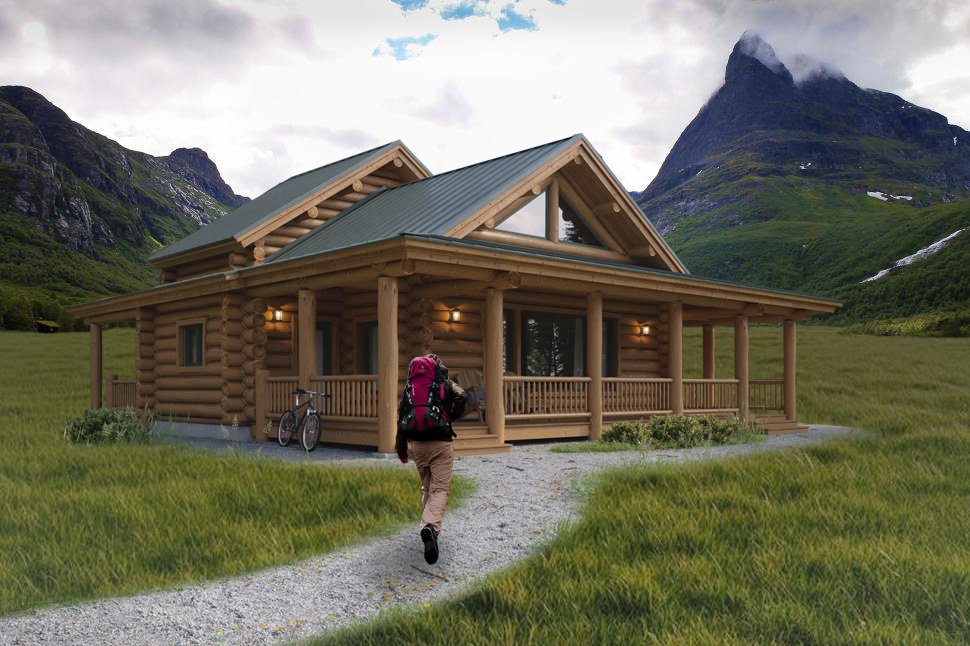
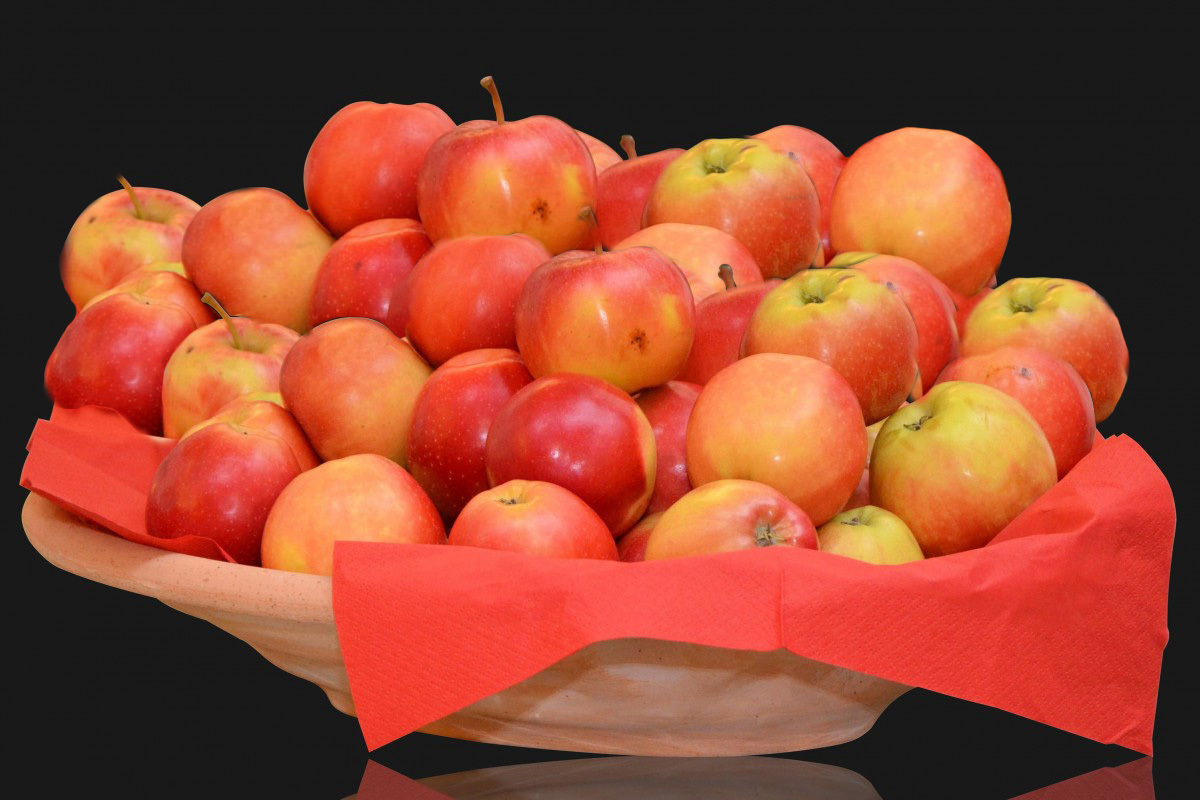
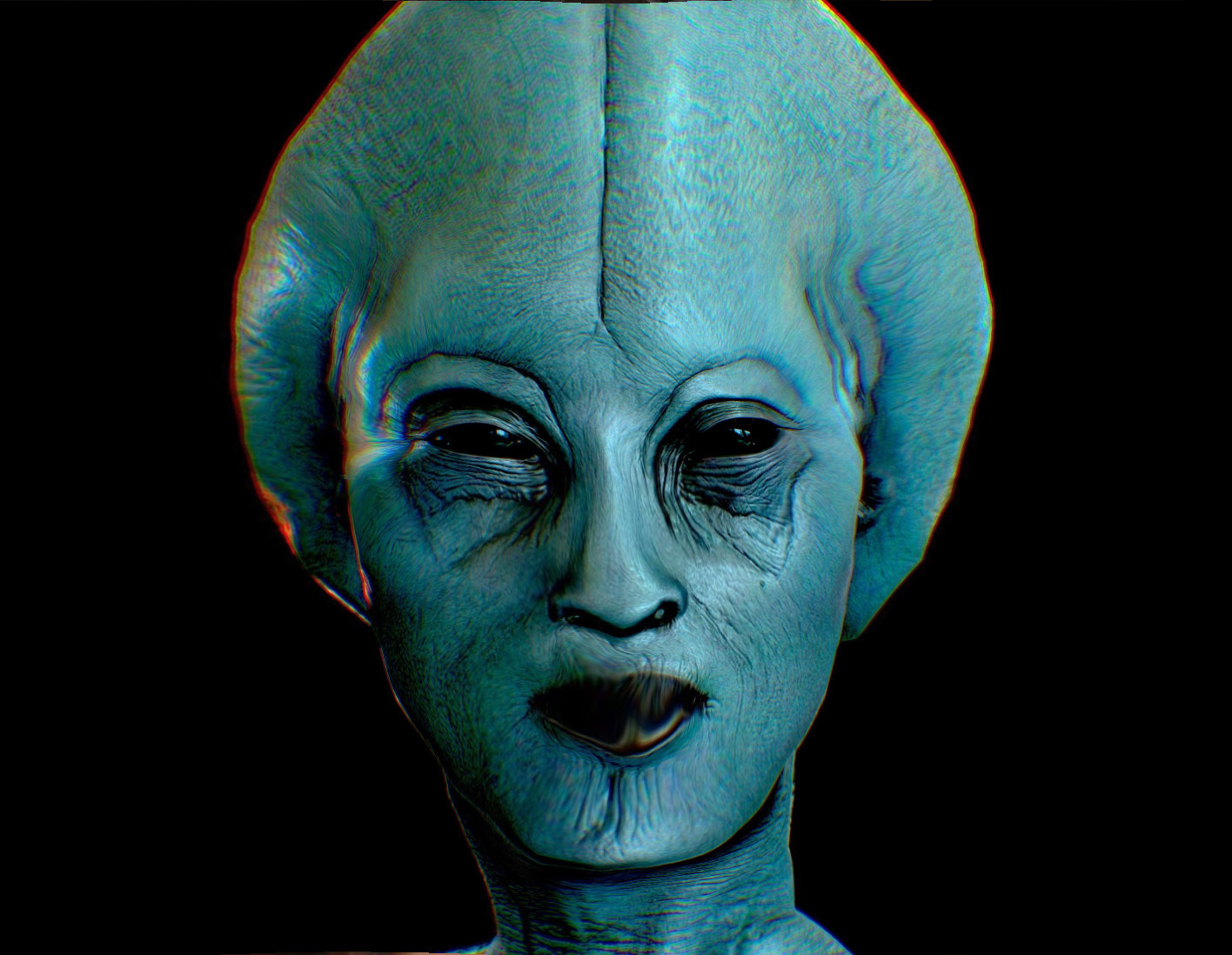
Next, Image Adjustments:
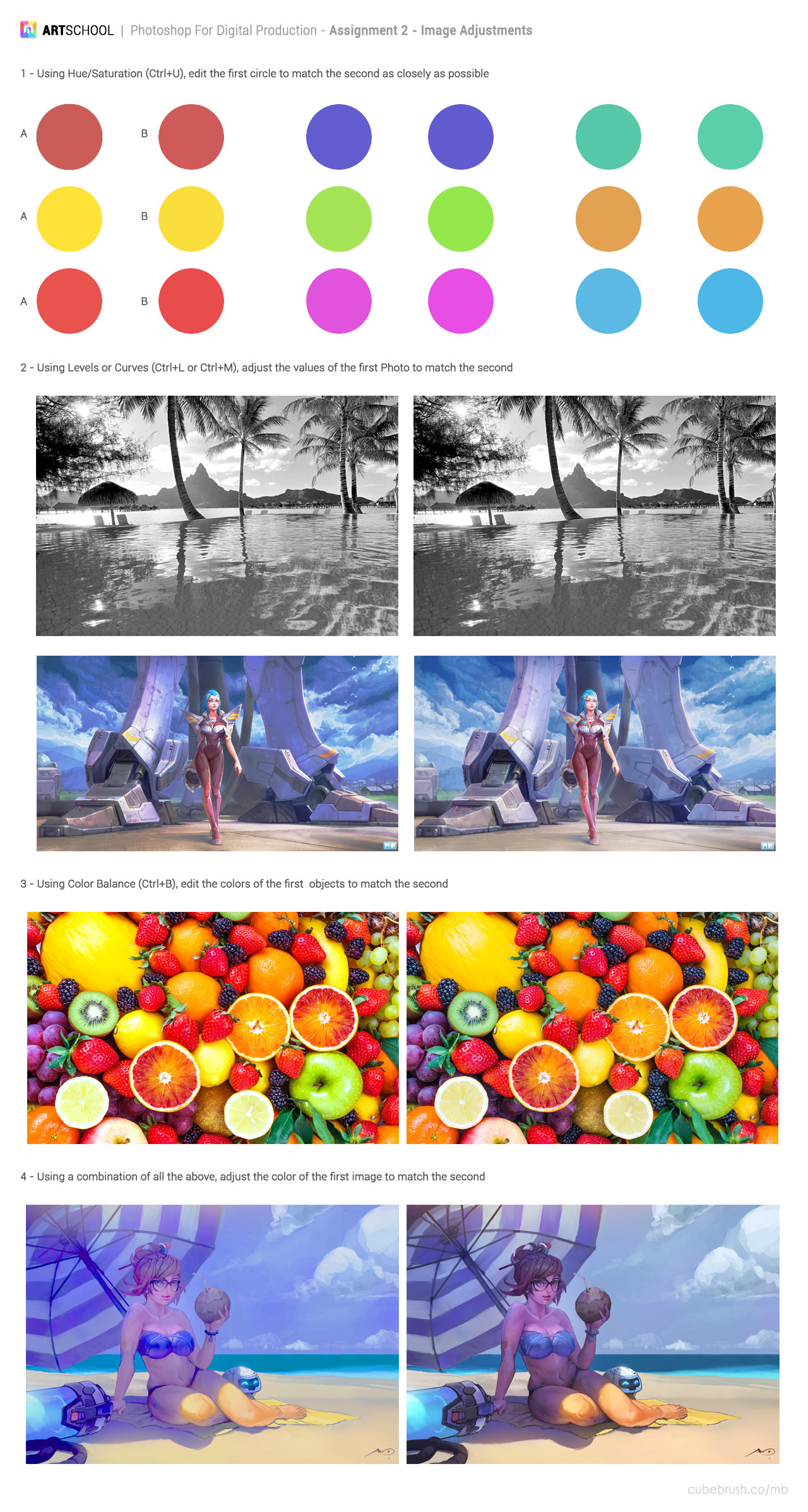
I'm certain the final challenge of this set could have been done better but the more I changed it, the further away from what I wanted it got. It's probably fine, but it still irritates me a little knowing that there's something about image adjustments that I can't seem to wrap my head around.